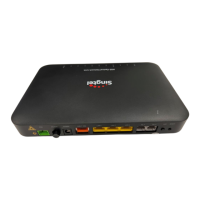
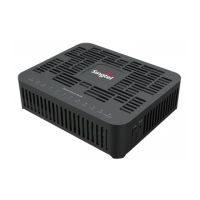
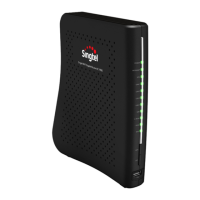
Step 1: Follow instructions below to perform fibre patching.
As fibre optic cables are made of glass, please do not bend sharply
and ensure the bending diameter is larger than 60 mm.
Step 2: Connect Cat5e cable (Blue) from the Ethernet port
of your device to a LAN port.
Step 3: Connect phone cable (grey) from your phone to
the assigned TEL port.
Step 4: If you have a USB data cable, connect it from the
USB port to your USB device (optional).


 To Next Page