EasyManua.ls Logo

SingTel Optical Network Router - User Manual

SingTel Optical Network Router
8 pages
Print Icon
To Next Page IconTo Next Page
Loading...
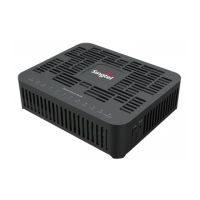
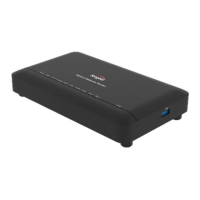
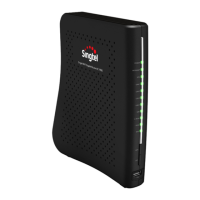
OPTICAL NETWORK ROUTER
Quick Installation Guide
Power adapter input - 100–240 V AC, 50/60 Hz
System power supply - 12V DC, 2A
Operating temperature - 5°C to 45°C
Operating humidity - 5% to 95% RH (non-condensing)
Weight - About 205g
System power consumption - < 12W
| Product Overview
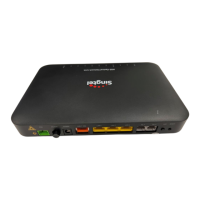
Optical Network Router (ONR) has 4 Ethernet ports
& 2 POTS ports.
Question and Answer IconNeed help?

Do you have a question about the SingTel Optical Network Router and is the answer not in the manual?

SingTel Optical Network Router Specifications

General IconGeneral
BrandSingTel
ModelOptical Network Router
CategoryNetwork Router
LanguageEnglish

Summary

Whats in the box?

Suggested placement of the ONR

Connecting cables and devices to ONR

Configuring the ONR

Logging in to the webpage for configuration

Steps to log into the router's web interface using an IP address and default credentials.

Configuring the FTTH ID

Instructions for configuring the Fiber to the Home (FTTH) ID via the router's maintenance settings.

Connecting Fiber Cable to the ONR

Guide on how to physically connect the fiber optic cable to the ONR and the termination point.

Verify if connection is successful

Resetting to Factory Default

Indicator Descriptions

Related product manuals