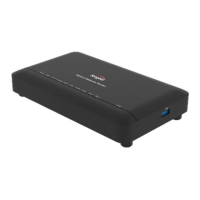
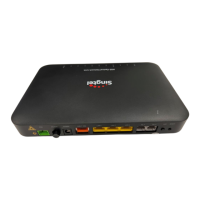
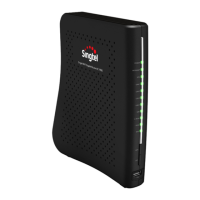
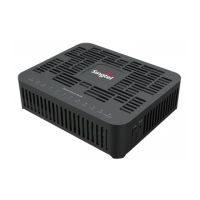
7. Indicator Descriptions
Indicator
POWER
Status
LED Description
Green
ONR is powered on. The LED displays amber first,
then green flashing and turns steady green
Off ONR is powered off
Amber flashing New firmware downloading
ONR start up has failedRed
Green flashing ONR is booting up
PON
Green
ONR has ranged successfully
Green flashing ONR is ranging
Off No light source is detected
TEL 1 - TEL 2
Green Call account is registered
Green flashing
Phone call in progress;
Call account registration in progress
Off Call account is not registered
LAN 1 - LAN 4
Green
Ethernet connected/powered device
connected to LAN port
Green flashing Data activity present (traffic in either direction)
Off Power off or Ethernet not connected
IPTV
Green IPTV IP address and STB detected and operational
Green flashing No IP address obtained in IPTV interface
Off No STB detected
INTERNET
Green Internet service is OK
Green flashing Active Internet traffic
Internet service is downOff
AUTH
Green ONR is authorized/authenticated
Green flashing ONR is ranging or synchronizing
Off ONR is not authorized/authenticated
USB
Green Device connected to USB port
Green flashing Traffic activity on the USB connection
Off No device connected to USB port


 To Previous Page