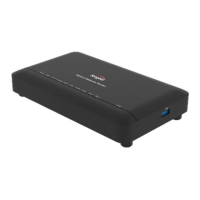
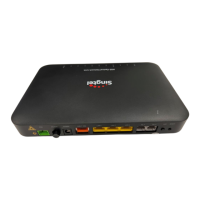
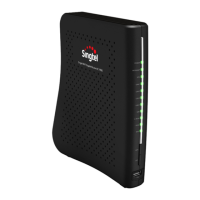
4.3 Connecting Fiber Cable to the ONR.
sharply and ensure the bending diameter is larger than 30mm.
As the fiber optic cables are made of glass, please do not bend
on the back of the ONR, and
secure the optical fiber by fitting
Connect one end of the fiber
patch cord to the fiber port
it on the holders. Follow the
arrows in the diagram for the
positions of the holders.
Connect the other end of the
patch cord to the fiber
termination point (FTP).
1. 2.
Verify your service later. Refer to section 5 on how to verify your
service.
3.
Step 2: Input the FTTH ID (Use FTTH ID provided by Singtel).
Step 1: Choose Maintenance > FTTH ID Configuration.
Step 3: Click Save.
b
c


 To Next Page