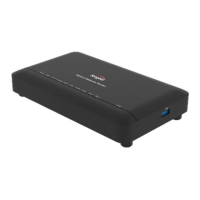
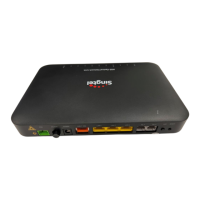
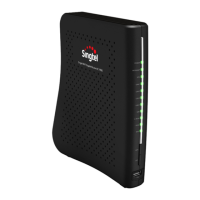
Step 1: Connect the LAN network cable from the Ethernet
port of your device to a LAN port, e.g. Computer.
Step 2: Connect the phone cable from your phone to the
assigned TEL port.
Step 3: Connect the power adapter to the ONR’s Power
port and your home electrical outlet. The Power
indicator on the ONR should be green.
FTTH ID
(section 4.2).
Please connect fiber cable to the ONR only after configuring the
Your session will automatically timeout after 5 minutes of inactivity
and you will be required to log in again. Replace your default
password with a personal one to avoid unauthorised access.
Step 1: Connect your PC to the ONR through the Ethernet port.
Step 2: Enter http://192.168.1.254 in the address bar of your
Internet Browser and press Enter. When the login
window is displayed, enter username (admin by default)
and password (printed on the nameplate of the device).
Step 3: Click Login.
4. Configuring the ONR


 To Next Page