12
F F
EN
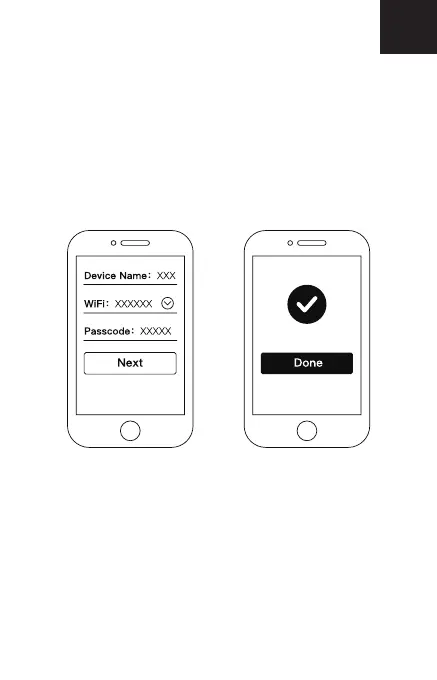
• Choose a device name, for example “Garden”. Choose a
network and enter the password. Tap “Next”. The Smart
Outdoor Camera will start connecting to the network and the
WiFi indicator will flash red. It may take a few minutes until
the connection is established. When the WiFi indicator turns
blue, the camera has connected successfully. Tap “Done”
on your mobile device. You are now ready to use the Smart
Outdoor Camera.


 To Next Page