-14-
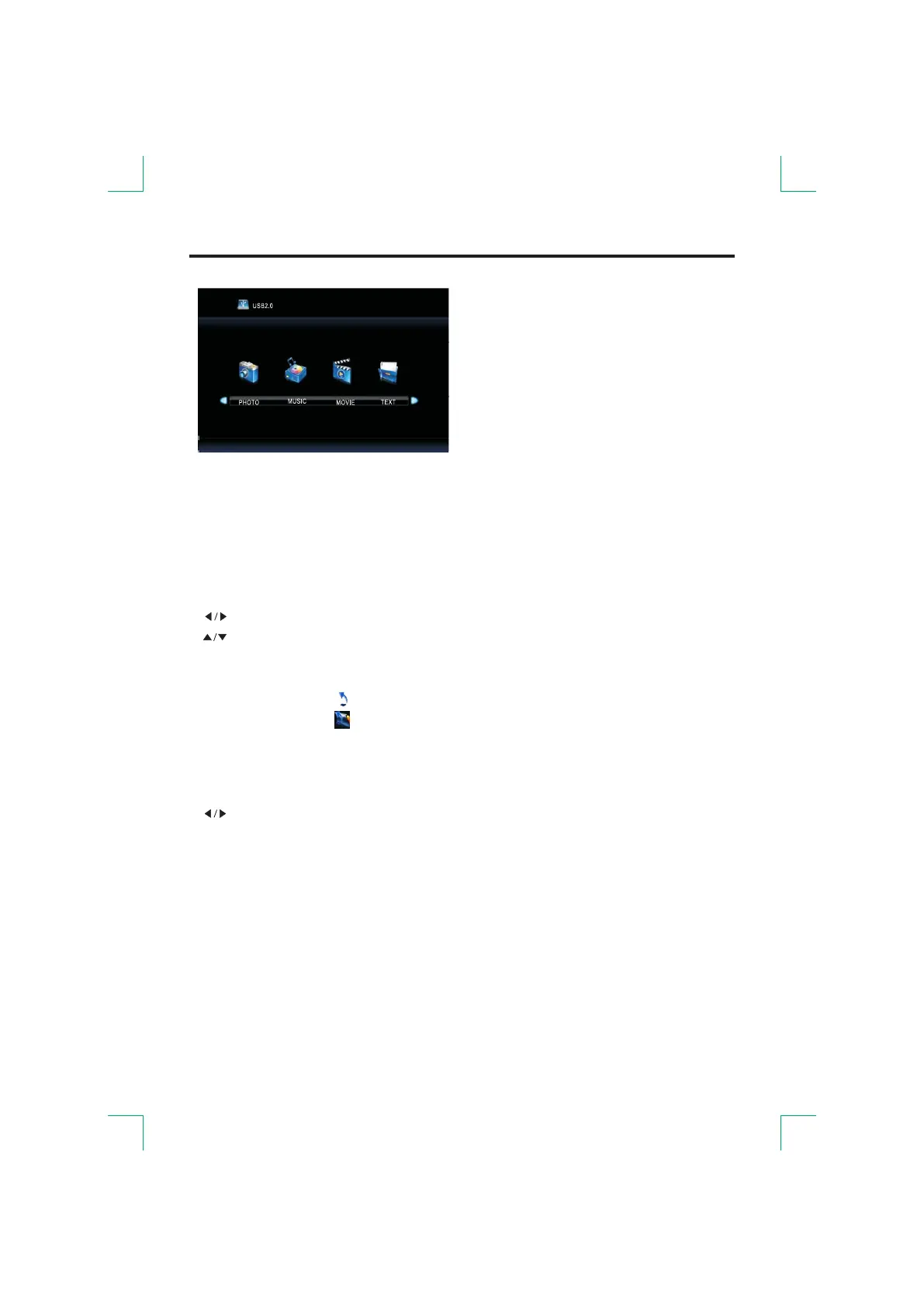
Media Operation
The USB storage devices should be inserted into the terminal.
Select the media source and view the multimedia.
If you want to exit the multimedia you can choose other sources.
●
elect media or select file.
elect file.
.
[
The icon of the menu [
The icon of the menu [
MENU Operation
[ ]: S
[ ]: S
[ENTER]:
ROOT]:
]:
]:
C
Return to root.
Return to root.
Return to previous.
onfirm or play
●
elect menu when playing a file.
elect.
.
uit the entire menu.
MENU Operation During Play
[DISPLAY]: S
[ ]: S
[ENTER]:
[ROOT]: Q
Confirm


 To Next Page