-8-
Front View
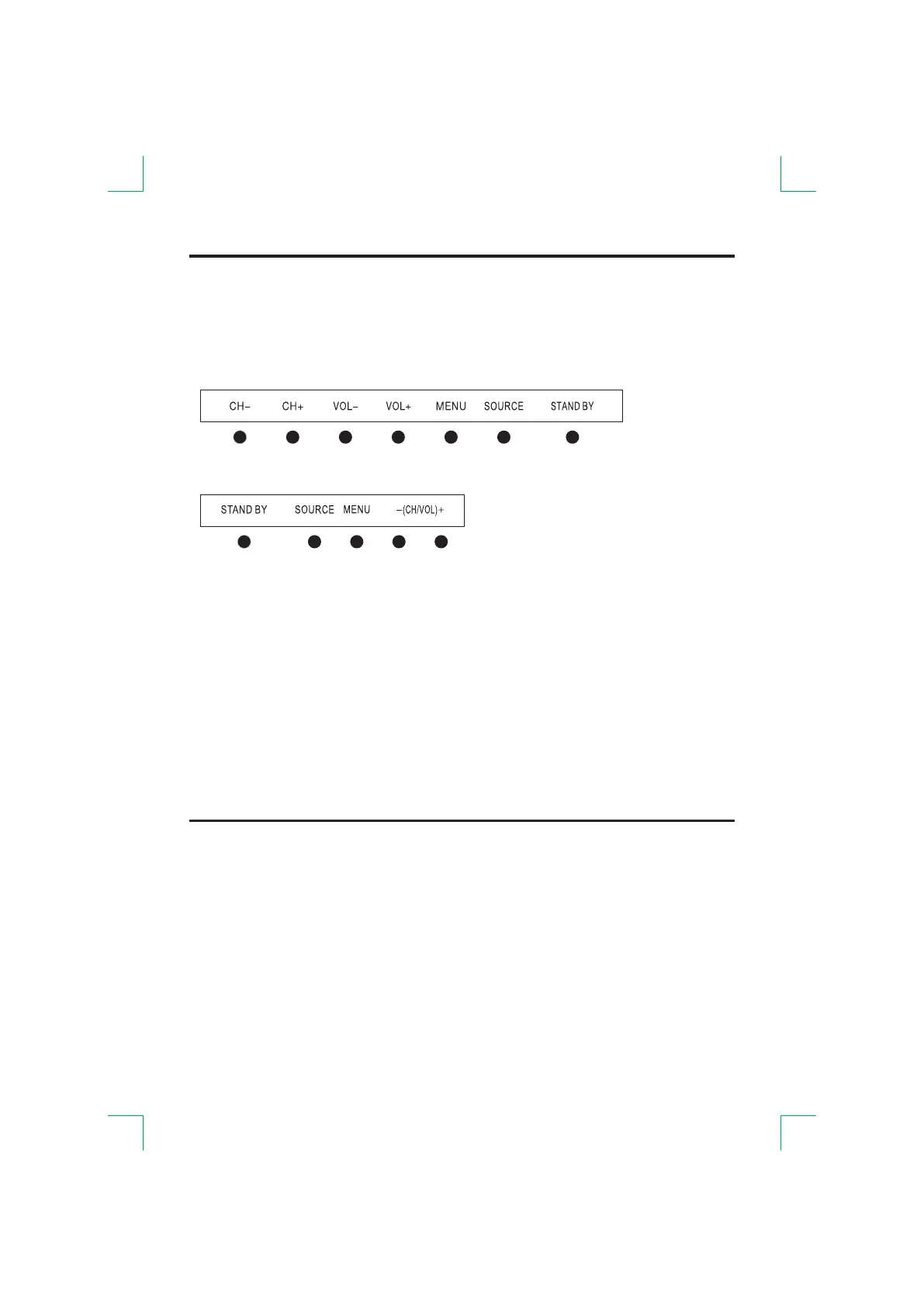
STAND BY(or POWER):
-(CH/VOL)+: hort press to change channel, long press to adjust sound volume.
CH+/-: Selecting channel.
VOL+/-: Adjusting volume.
MENU:
SOURCE(or INPUT):
Standby or switch on the TV.
S
Display or exit MENU.
External signal input selection.
ON-OFF Power
Connect the AC adapter to the household power outlet.
Press main power switch on TV unit (some models without power switch).
Thereafter press the [STANDBY] button to open or switch the receiver off.
Note:
Unplug the AC adapter from the power outlet when not using it for a long period of time.
Note:
Some models has 5 buttons, some models has 7 buttons.
The following is only functional schematic, And the actual position and arrangement of
differect models may be different.
1 2 3 4 5
1 2 3 4 5 6 7


 To Next Page