1
Getting Started
Introduction
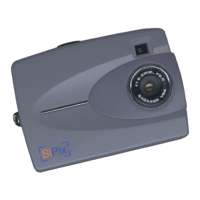
Congratulations on your purchase of the SiPix StyleCam Digital Camera with Streaming
Snapshot Mode! Your StyleCam has been ergonomically designed to allow you to quickly and
easily take high-quality digital pictures without the trouble of buying and developing film.
The supplied software and driver enable you to view and download the images to your computer.
With ArcSoft PhotoImpression you can edit the pictures with tools such as sharpen, red-eye
reduction, and brightness and contrast adjustment. ArcSoft PhotoFantasy, PhotoMontage, and
VideoImpression have special effect tools for creating photo fantasies and editing video clips. The
Inetcam iVISTA software allows you to have a live videoconference via the Internet. StyleCam
includes a USB cable that provides quick and easy image transfer from the StyleCam to your
computer.
Unpacking the SiPix StyleCam
Upon receiving your StyleCam, open the carton and carefully remove the contents. If anything is
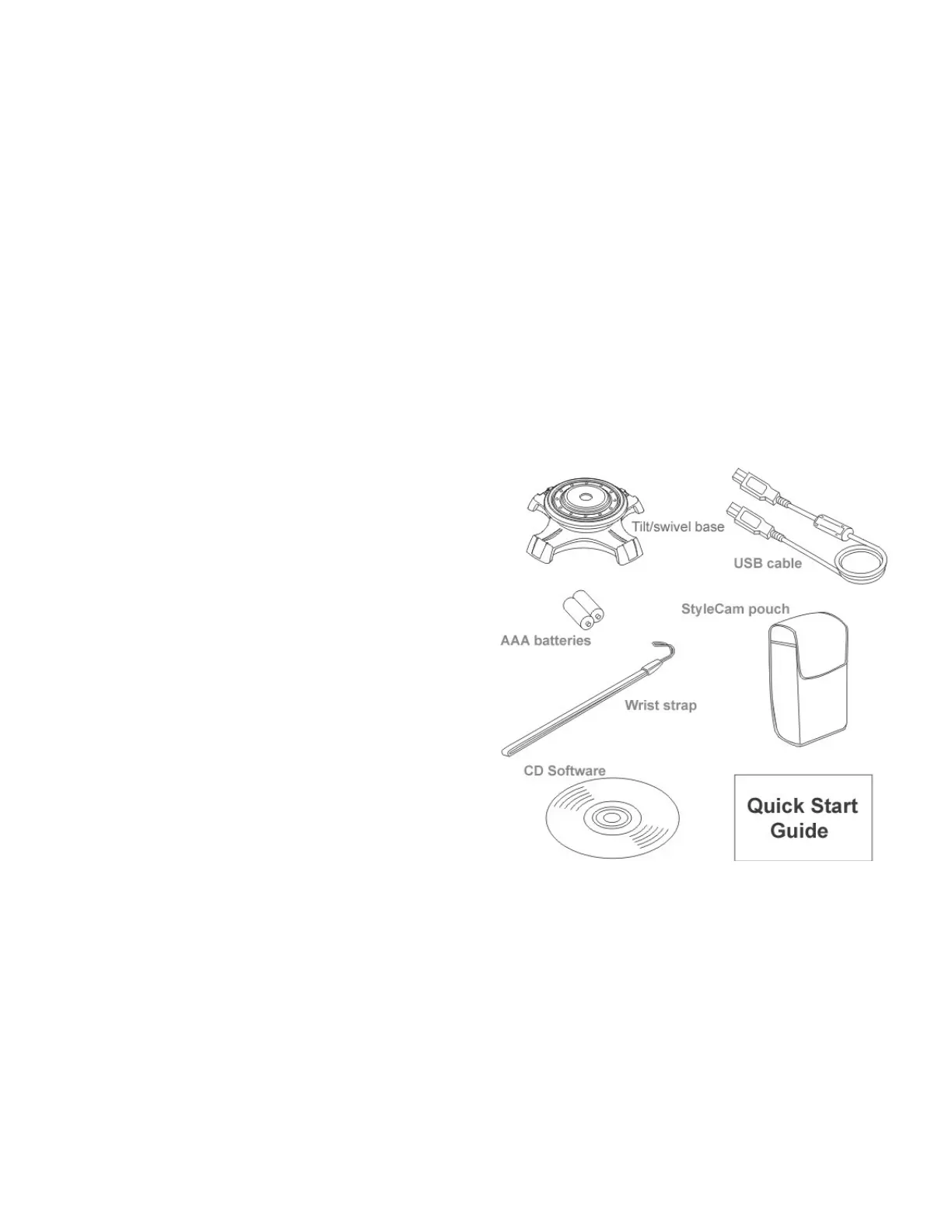
missing or damaged, please contact your reseller immediately. Your package should contain the
following items:
• SiPix StyleCam
• Camera pouch
• Camera wrist strap
• Tilt/swivel base
• 2 AAA alkaline batteries
• USB cable
• Software CD containing:
o StyleCam TWAIN driver
o ArcSoft PhotoImpression
o ArcSoft PhotoMontage
o ArcSoft PhotoFantasy
o ArcSoft VideoImpression
o Inetcam iVISTA
o Adobe Acrobat Reader
o Owner’s Manual (PDF)
Do not throw away the packaging box away. You may need it later if you ever have to ship the
StyleCam Digital Camera.


 To Next Page