Sirius Technologies, Inc.
418-B Cloverleaf Dr. Baldwin Park, CA 91706
•TEL:(626)934-0100 • FAX:(626)934-0161 •E-Mail: INFO@SIRIUSTEC.COM
Page 14
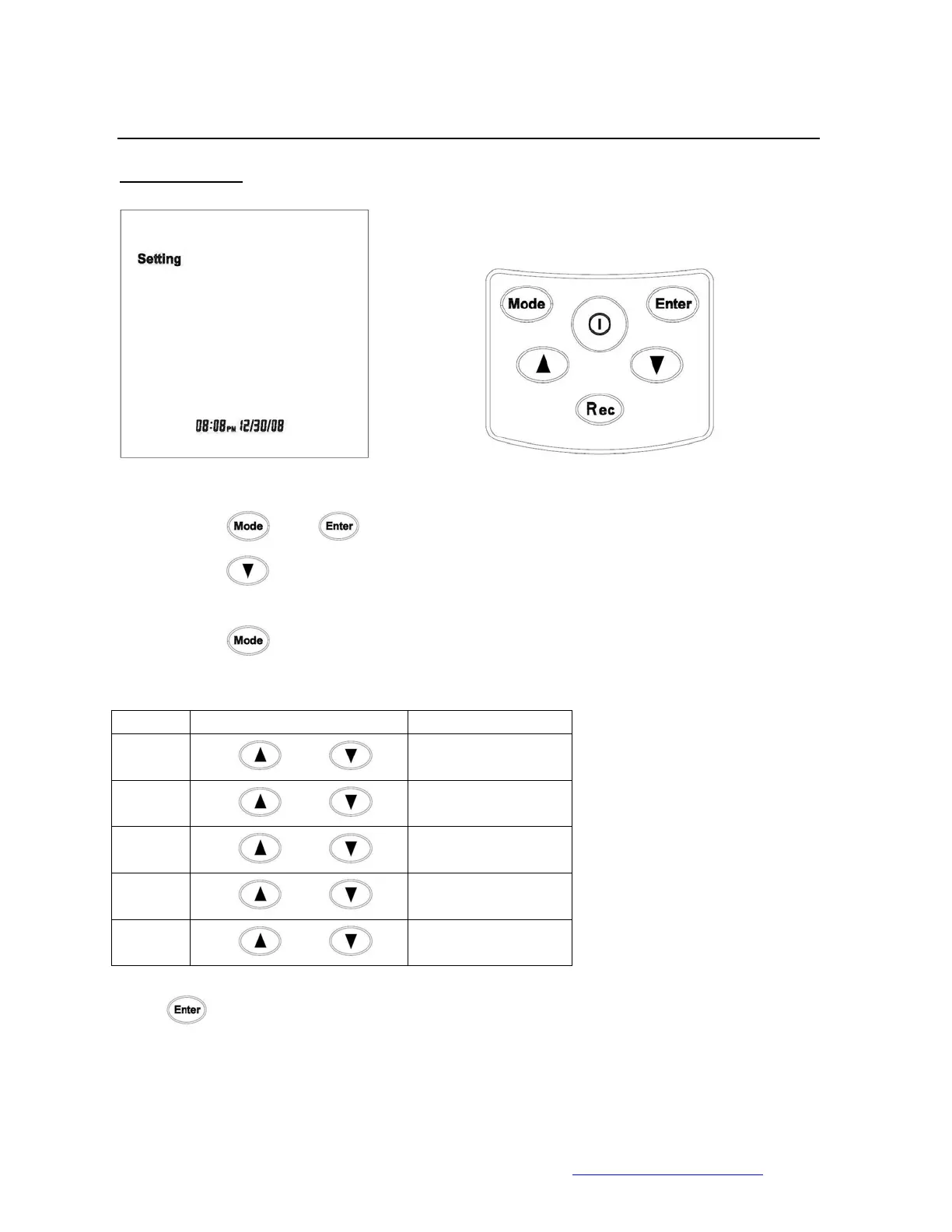
2. Clock Setting
• Press
and to enter the setting menu.
• Press
1 x time to reach the Clock-Setting screen.
• Press
to rotate between digits.
Unit Enter Value (0-9) Range
Hour
Use
and
(0AM -11PM)
Minute
Use
and
(0-59)
Month
Use
and
(1-12)
Date
Use
and
(1 to 31)
Year
Use
and
(2001-2037)
Press
to save and exit the Time Setting menu.



 To Next Page