Sirius Technologies, Inc.
418-B Cloverleaf Dr. Baldwin Park, CA 91706
•TEL:(626)934-0100 • FAX:(626)934-0161 •E-Mail: INFO@SIRIUSTEC.COM
Page 8
START UP AND GENERAL OPERATION
Hold the
Power button for 2 seconds to turn on ST501.
Wait 20 seconds until the “Warm-up” turns off.
The unit is ready to use.
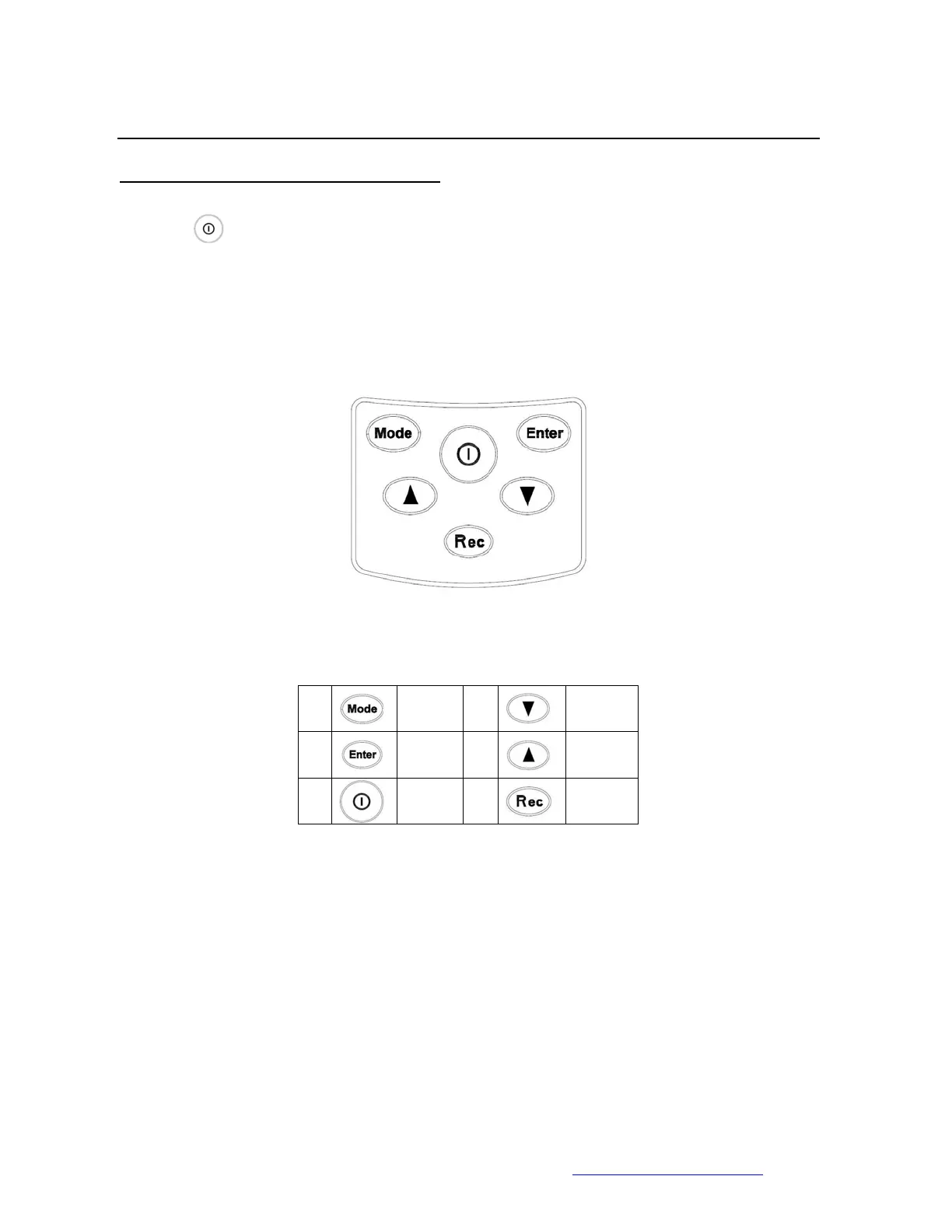
ST501 Buttons
1.
Mode 4.
Down
Arrow
2.
Enter 5.
Up
Arrow
3. Power 6.
Record



 To Next Page