Sirius Technologies, Inc.
418-B Cloverleaf Dr. Baldwin Park, CA 91706
•TEL:(626)934-0100 • FAX:(626)934-0161 •E-Mail: INFO@SIRIUSTEC.COM
Page 24
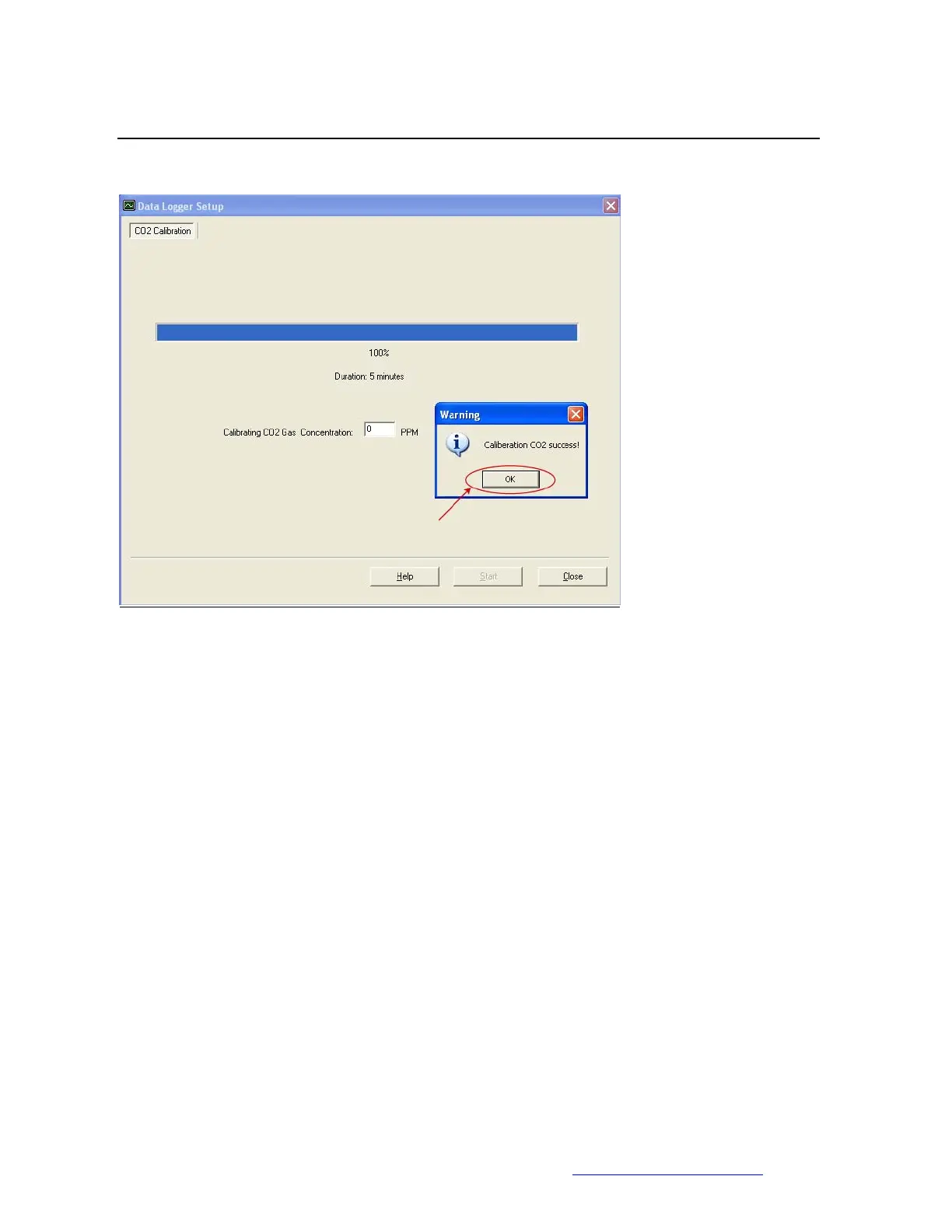
8. Calibration complete, click “OK” to exit.
If “Calibration Failed” message shows up or the ST501 failed to respond,
a. Remove the batteries from ST501
b. Reinstall batteries
c. Restart calibration



 To Next Page