Sirius Technologies, Inc.
418-B Cloverleaf Dr. Baldwin Park, CA 91706
•TEL:(626)934-0100 • FAX:(626)934-0161 •E-Mail: INFO@SIRIUSTEC.COM
Page 28
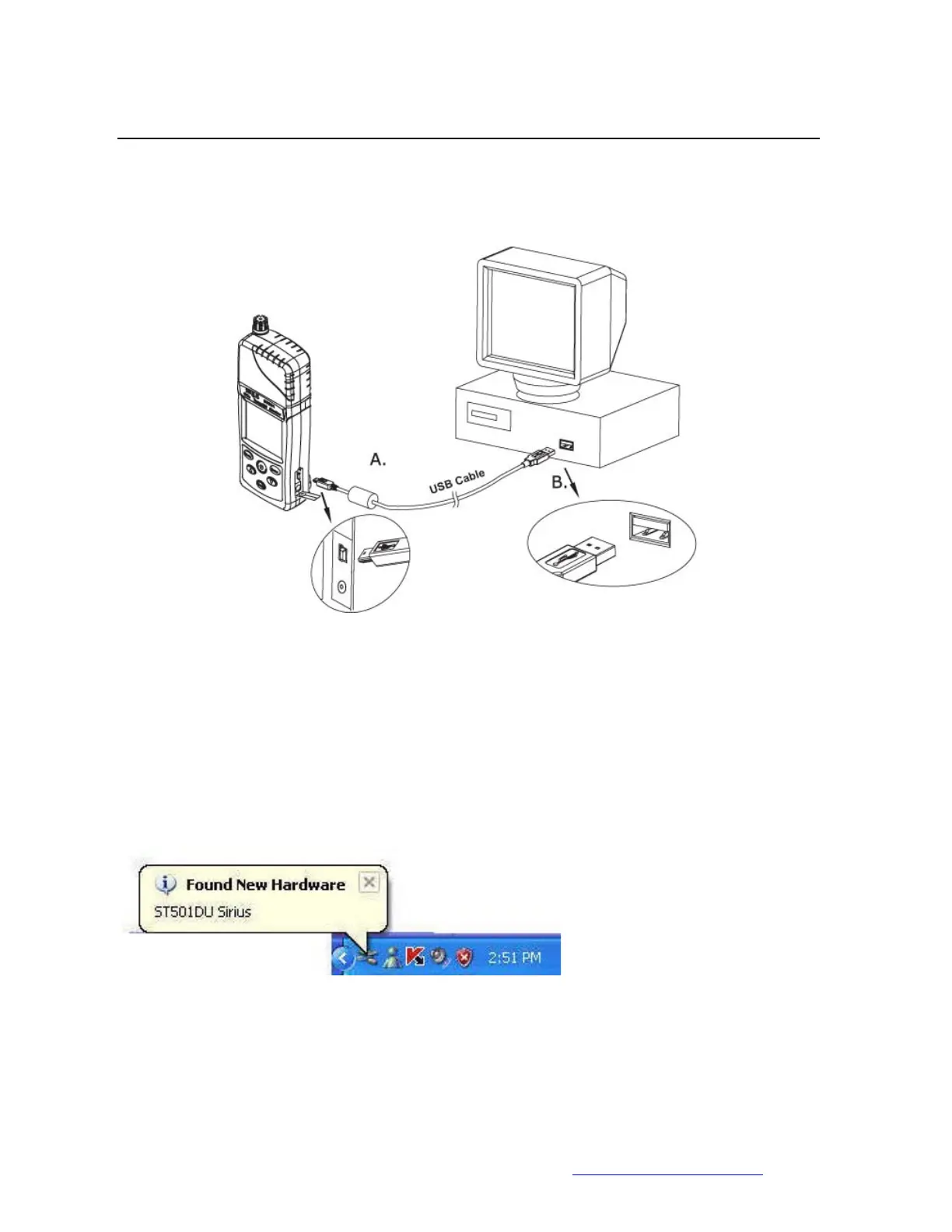
4. Connect ST501 and PC together with a USB cable.
5. ST501 detected
• Windows XP will detect the ST501 after PC and ST501 is connected with a USB
cable .



 To Next Page