2. To enter the parameter method of operation:
Example: How to change the motor from clockwise to counterclockwise:
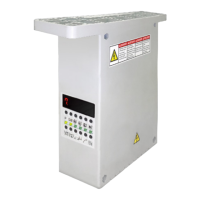
Step one: Open the power;
Step two: Press the ”P” key, no leave, and press “+” key, the screen will display
the P-00;
Step third: Press “+” key, change the P-00 to P-02, (P-02) is a motor clockwise or
counterclockwise parameters (common parameter list has record);
Step four: Now press “P” key (enter into parameters) screen will display “1” ;
Step fifth: Press “-” key,change “1” to “0”;("1" for clockwise, "0" for the
counter clockwise rotation, commonly used in the parameter table is indicated);
Step six: Press the “S” key to determine the parameters, save and exit the
parameter.
3. 恢復出廠設置
恢復出廠設置方法:先按“P”鍵不放,同時按“+”號鍵,此時畫面會顯示 P-00,
再長按“S”鍵約 3 秒即可。
3. Restore factory settings
Restore factory settings: Press the “P” key, no leave, and press the “+” key, the
screen will display the P-00, then press “S” key 3 seconds.
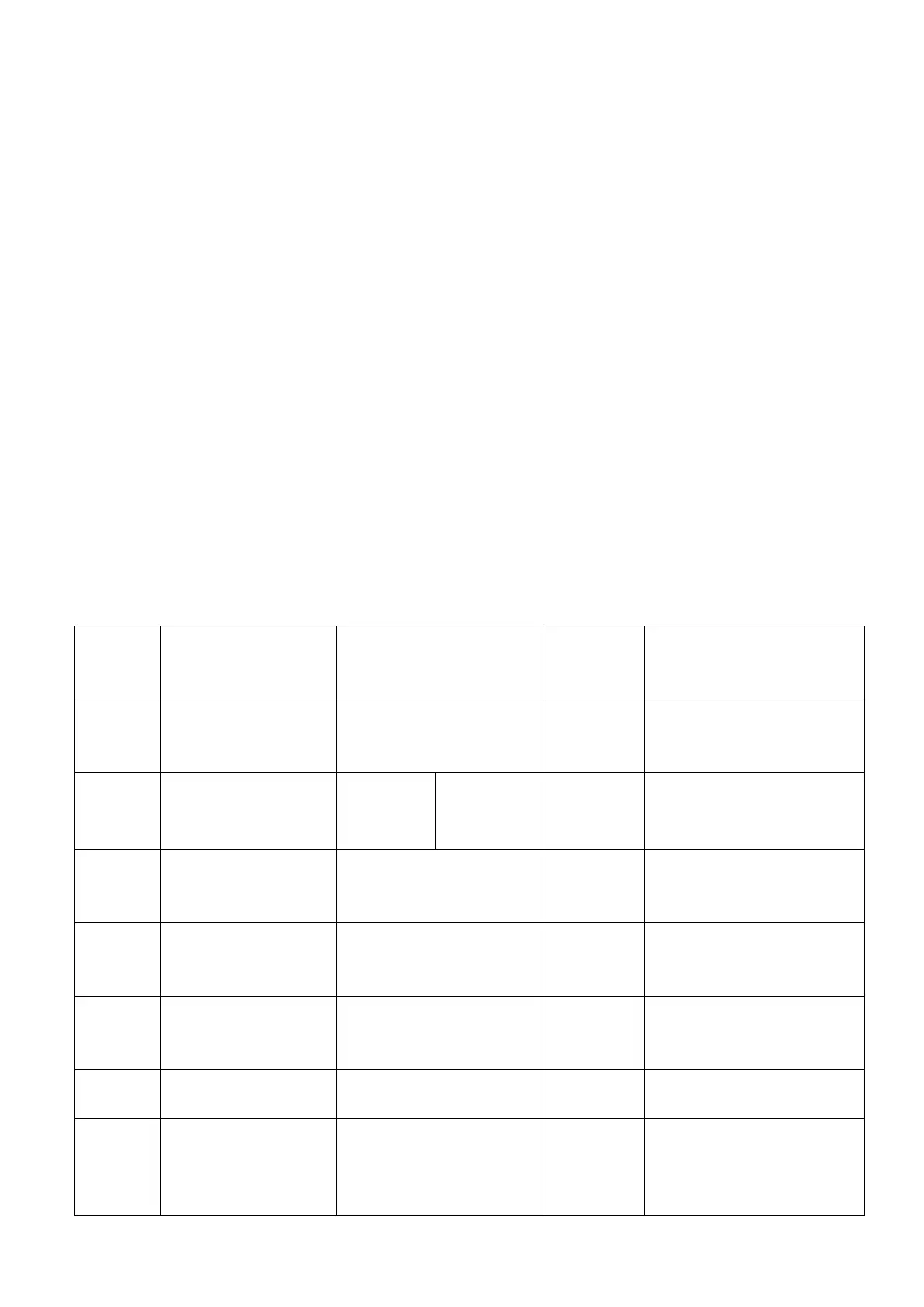
4. 電機常用參數設置 Commonly used parameter setting
參數編號
Parameters
name
參數名稱
The parameters
name
參數範圍
Adjusting rang
出廠設置
The factory
reset settings
備註
P-01
最大速度鎖定
Maximum
Speed lock
200-5000RPM 4500 轉
P-02
電機方向
Direction of
rotation
0 是逆時針
0 is reverse
turn needle
1 是順時針
1 is clockwise
turn
1
老款平縫電機調到 2 或 3
Old flat seam motor
change to 2 or 3
P-03
下停角度
The needle
angle
6-18° 12°
P-04
起縫速度
Start sewing
speed
200-800 轉 250 轉
P-05
加速快慢
Speed up
And slow
2000-4000 轉 3000 轉
P-06
定針縫
Set the seam
0-999 針 0
P-10
自動間隙運行
(跑合)
Automatic
Clearance run(run)
把 0 改成 1 再按 S 鍵
Press the S key when
change 0 to 1
0


 To Next Page