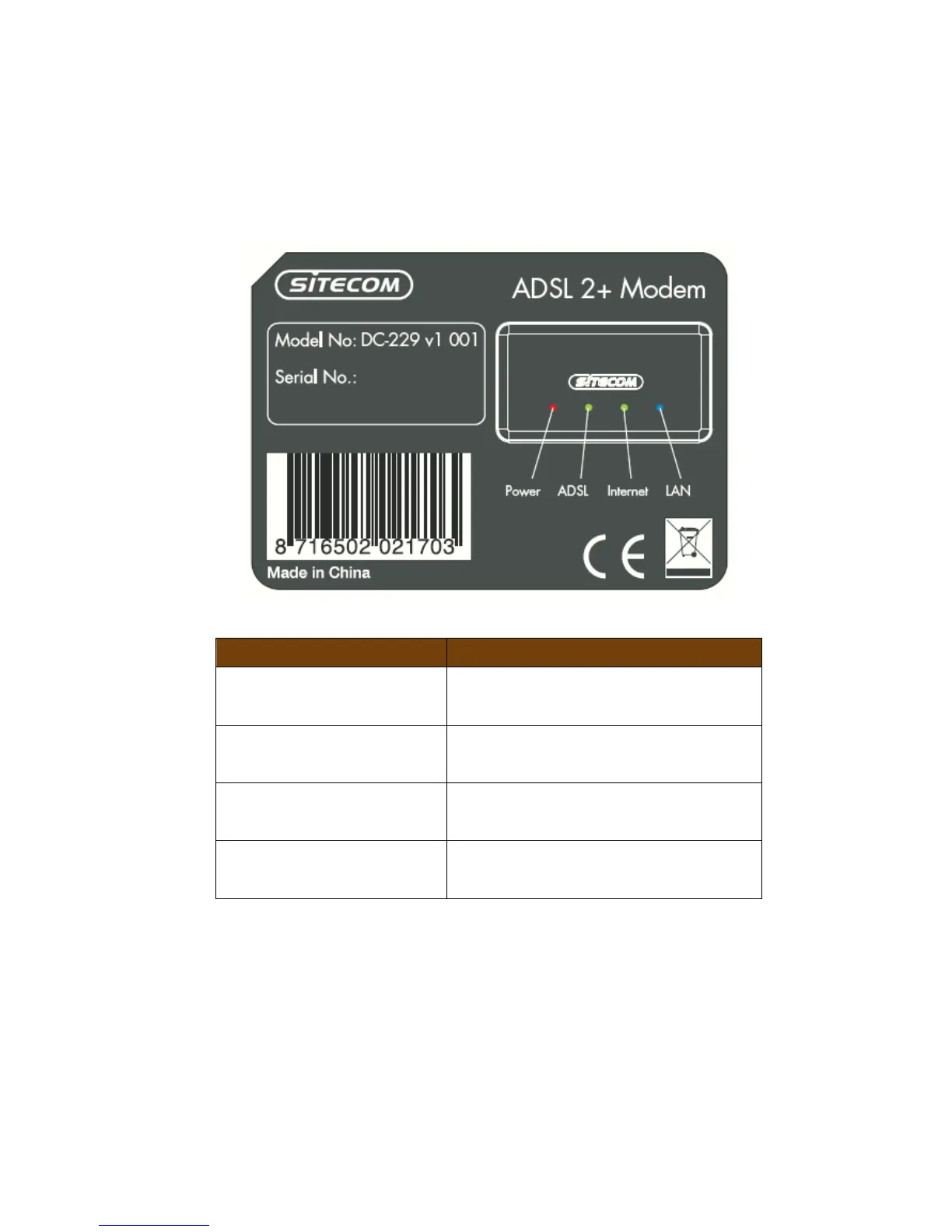
Front panel
The front panel describes the corresponding LED indications and port
functionality.
LED Description
POWER
(Orange)
Lights up when powered ON. Blinks
on TEST/RESET
ADSL
(Green)
Lights up when an ADSL cable is
connected.
Internet
(Green)
Lights up when internet connection is
UP.
LAN
(Blue)
When a network cable is connected,
the corresponding light lights up.


 To Next Page