Full manual Sitecom LN-505/515/506/516/507/517/508/518/509 Homeplug
6
4. Introduction of the hardware
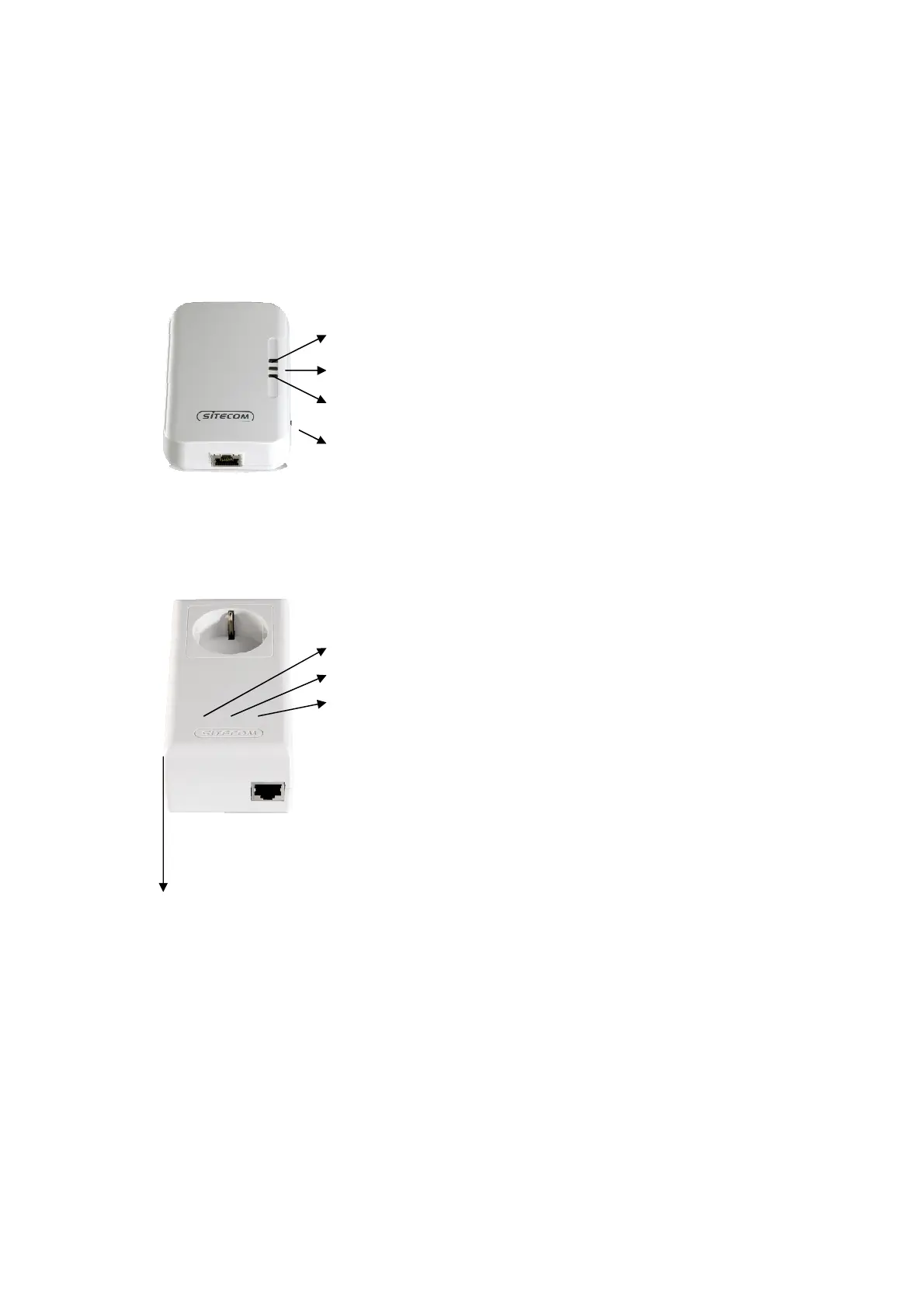
4.1 LN-505/LN-515
4.2 LN-506/LN-516
Power indication
Indicates an active connection and data transfer between Homeplugs
Indicates an active connection and data transfer between the Homeplug and
connected device
Reset button. Press and hold for 20 seconds to reset to factory defaults
Security button. See chapter 8.
Power indication
Indicates an active connection and data transfer between Homeplugs
Indicates an active connection and data transfer between the Homeplug and
connected device
Reset button. Press and hold for 3-5 seconds to reset to factory defaults
NMK button. See chapter 8.


 To Next Page