Full manual Sitecom LN-505/515/506/516/507/517/508/518/509 Homeplug
9
5. Install the hardware
5.1 Install the Master Homeplug
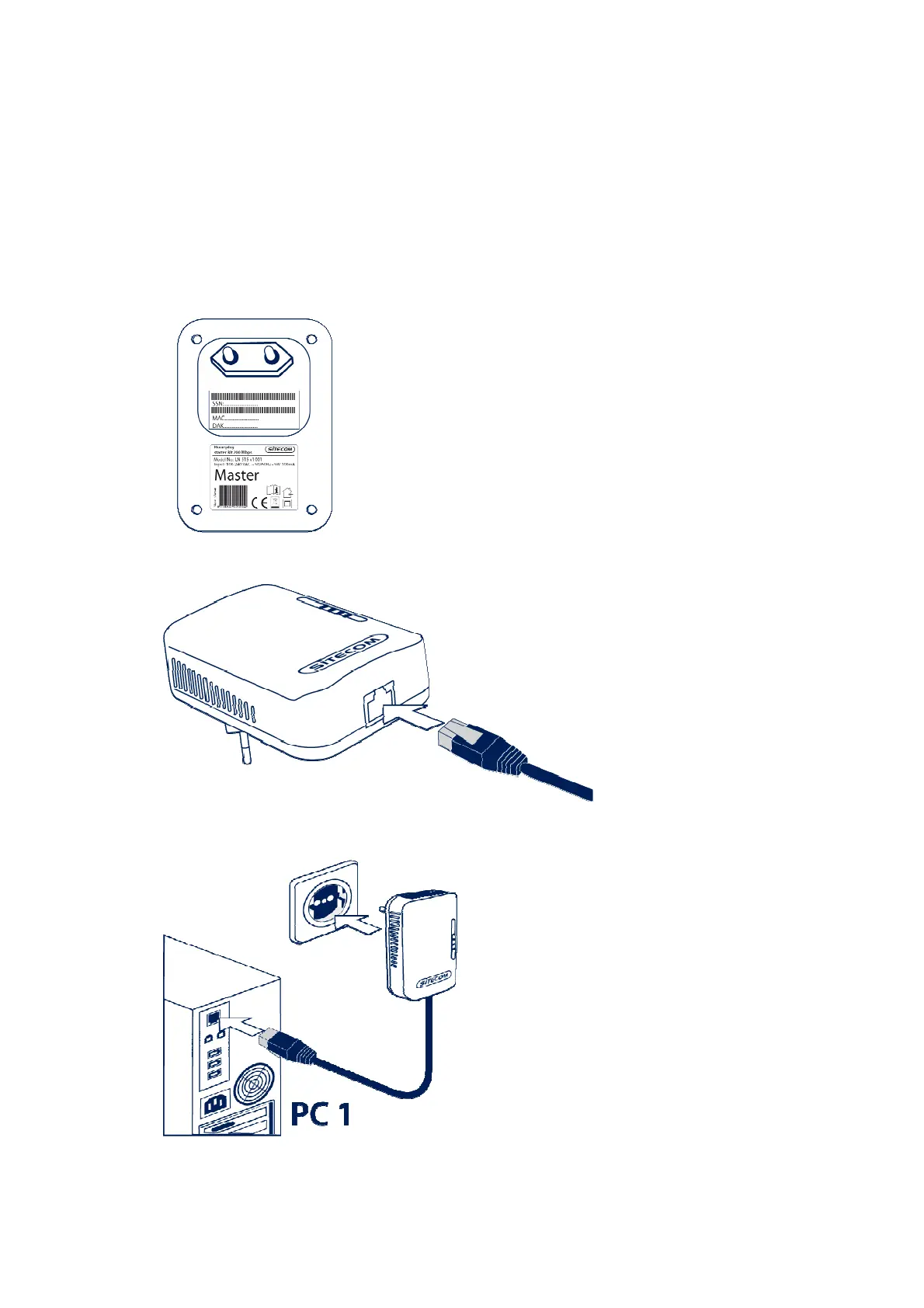
Start with the Homeplug which is labeled as ‘Master’. You’ll see this on the
backside of the Homeplug.
Plug the Ethernet cable in the Ethernet port on the master Homeplug.
Connect the master Homeplug to your computer and plug it into the socket.


 To Next Page