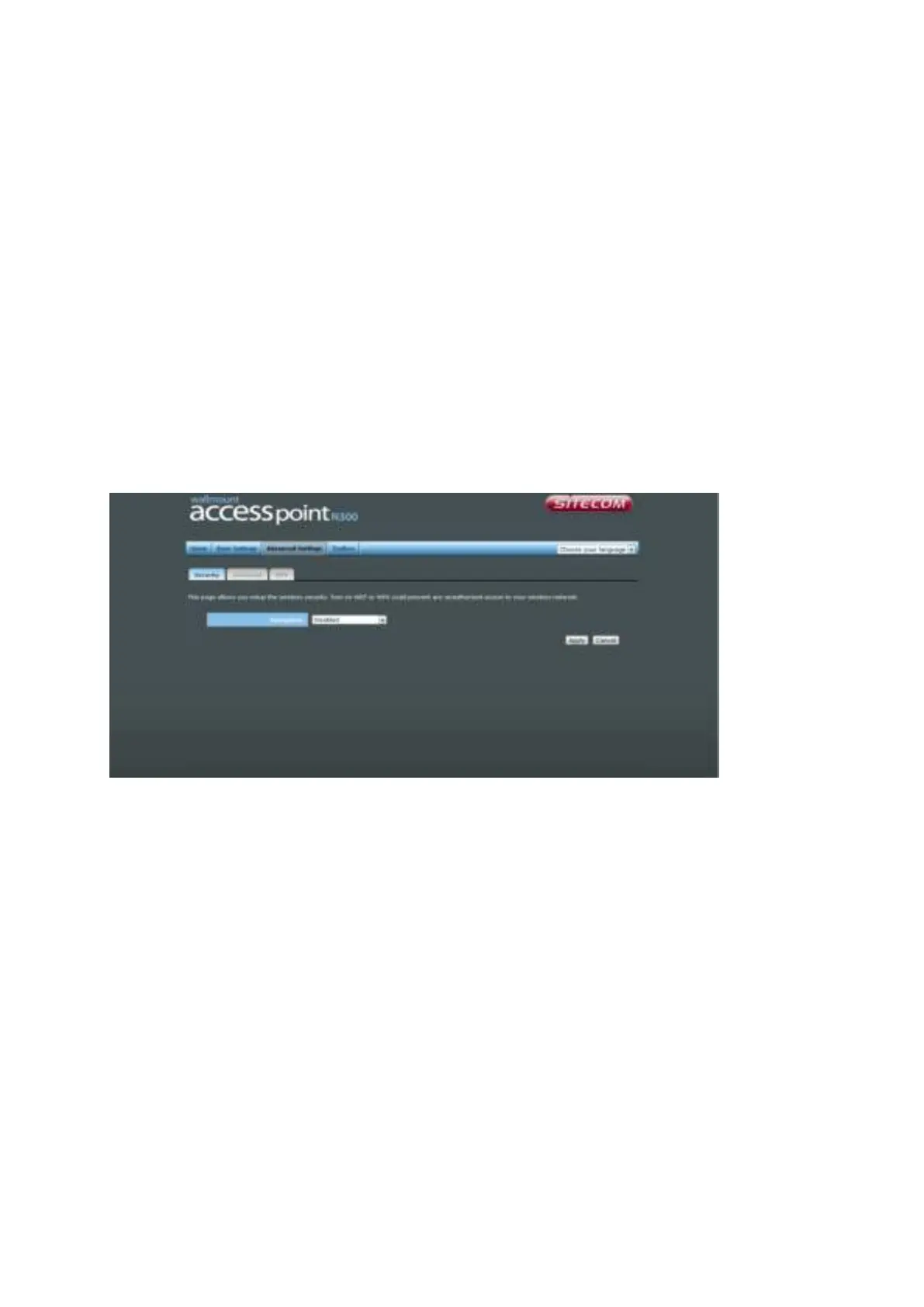
ADVANCED SETTINGS
Security
This device provides many types of wireless security (wireless data encryption). When
you use data encryption, data transferred by radio signals in the air will become
unreadable for those people who don’t know the correct encryption key (encryption
password).
There are four types of security level you can select: Disable (no security - data
encryption disabled), WEP, WPA Pre-shared Key, and WPA Radius. Please refer to the
following sections for detailed instructions.
Disabled
When you select ‘Disabled’, wireless encryption for the network is disabled. This is not
recommended.
Click <Apply> at the bottom of the screen to save the above configuration. You can now
configure other sections by choosing Continue, or choose Apply to apply the settings and
reboot the device.



 To Next Page