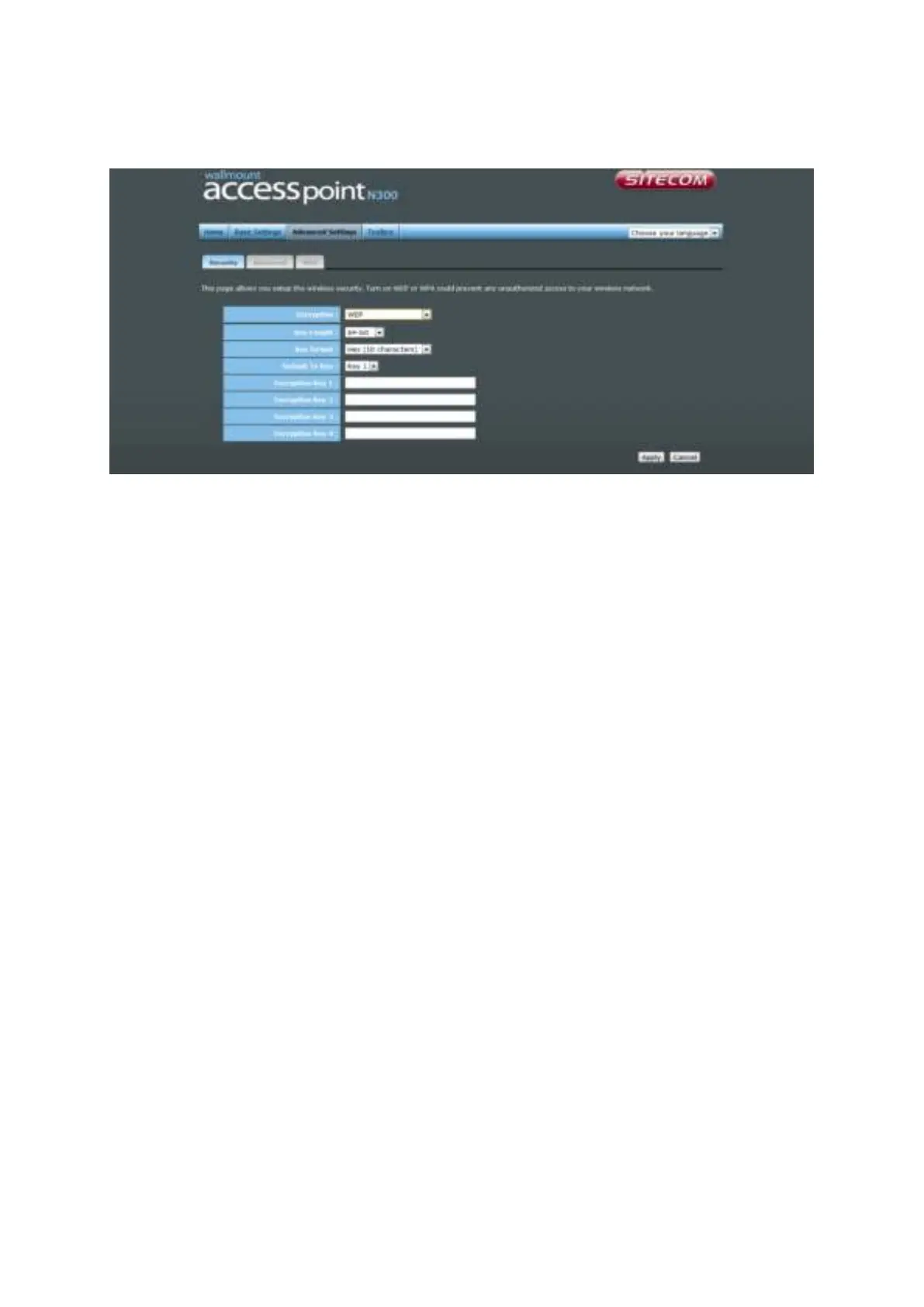
WEP
Key Length You can select the WEP key length for encryption, 64-bit or 128-bit. The
larger the key will be the higher level of security is used, but the
throughput will be lower.
Key Format You may select ASCII Characters (alphanumeric format) or Hexadecimal
Digits (in the "A-F", "a-f" and "0-9" range) to be the WEP Key.
Key1-Key4 The WEP keys are used to encrypt data transmitted in the wireless
network. Use the following rules to setup a WEP key on the device.64-bit
WEP: input 10-digits Hex values (in the "A-F", "a-f" and "0-9" range) or5-
digit ASCII character as the encryption keys. 128-bit WEP: input 26-
digitHex values (in the "A-F", "a-f" and "0-9" range) or 13-digit ASCII
characters as the encryption keys.
Click <Apply> at the bottom of the screen to save the above configuration. You can now
configure other sections by choosing Continue, or choose Apply to apply the settings and
reboot the device.



 To Next Page