Backing up your SIM card
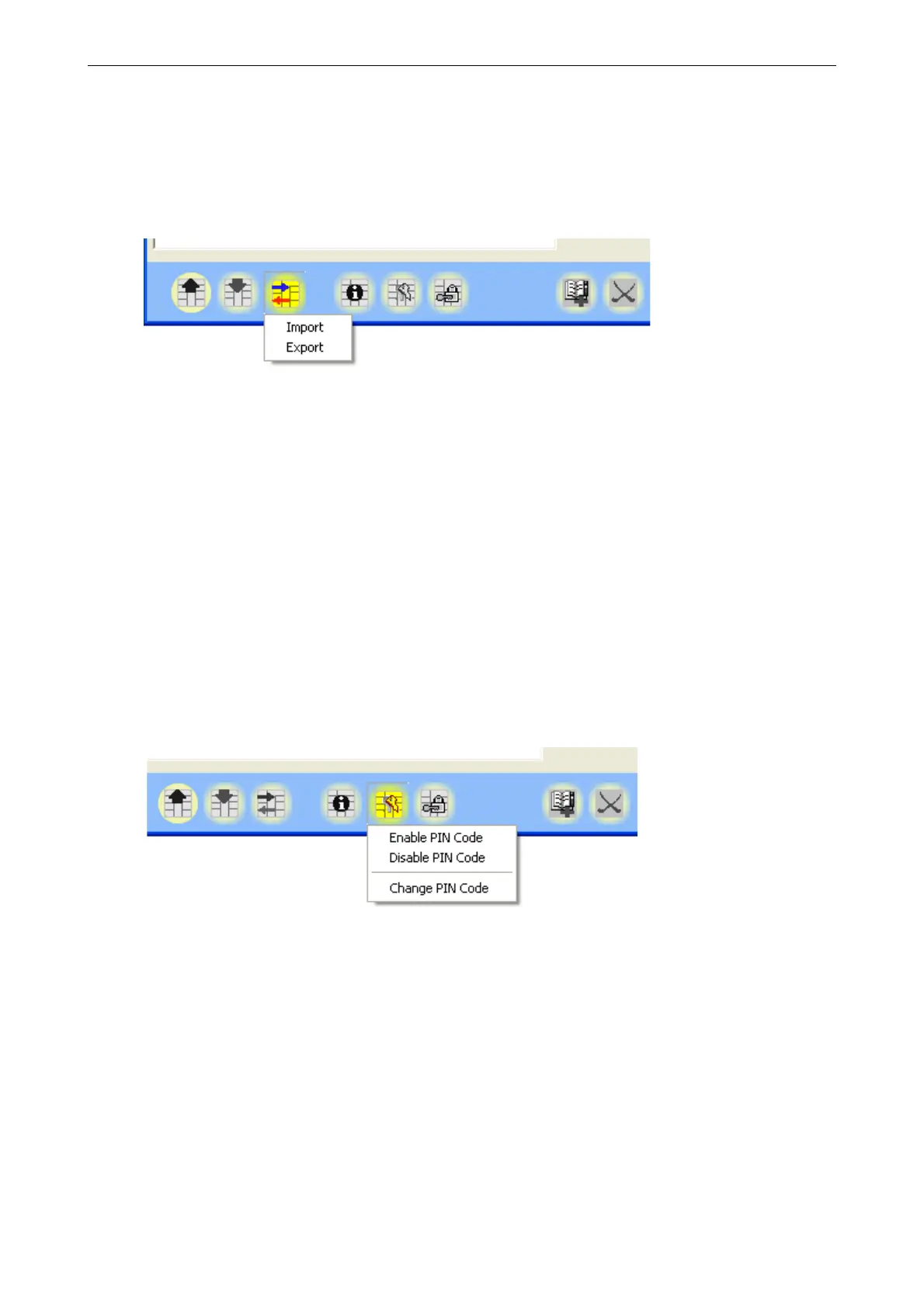
To make it easier to backup the content of your SIM card, the data in your phonebook
can be backed up on your PC. Click the Import/Export-button, and select “Export” from
the menu. This will allow you to create a complete backup of your contacts.
When a SIM card is backed up, all phone numbers are stored in a catalog on the PC. To
copy data back to a SIM card, click on the import/export-button, select “import” from
the menu, and choose the correct catalog file.
Modifying PIN
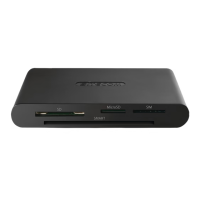
To modify PIN, click the key-icon, select Change PIN, and then enter old and new PIN
in the provided fields and click OK to confirm the changes.
5


 To Previous Page