Audio Connections
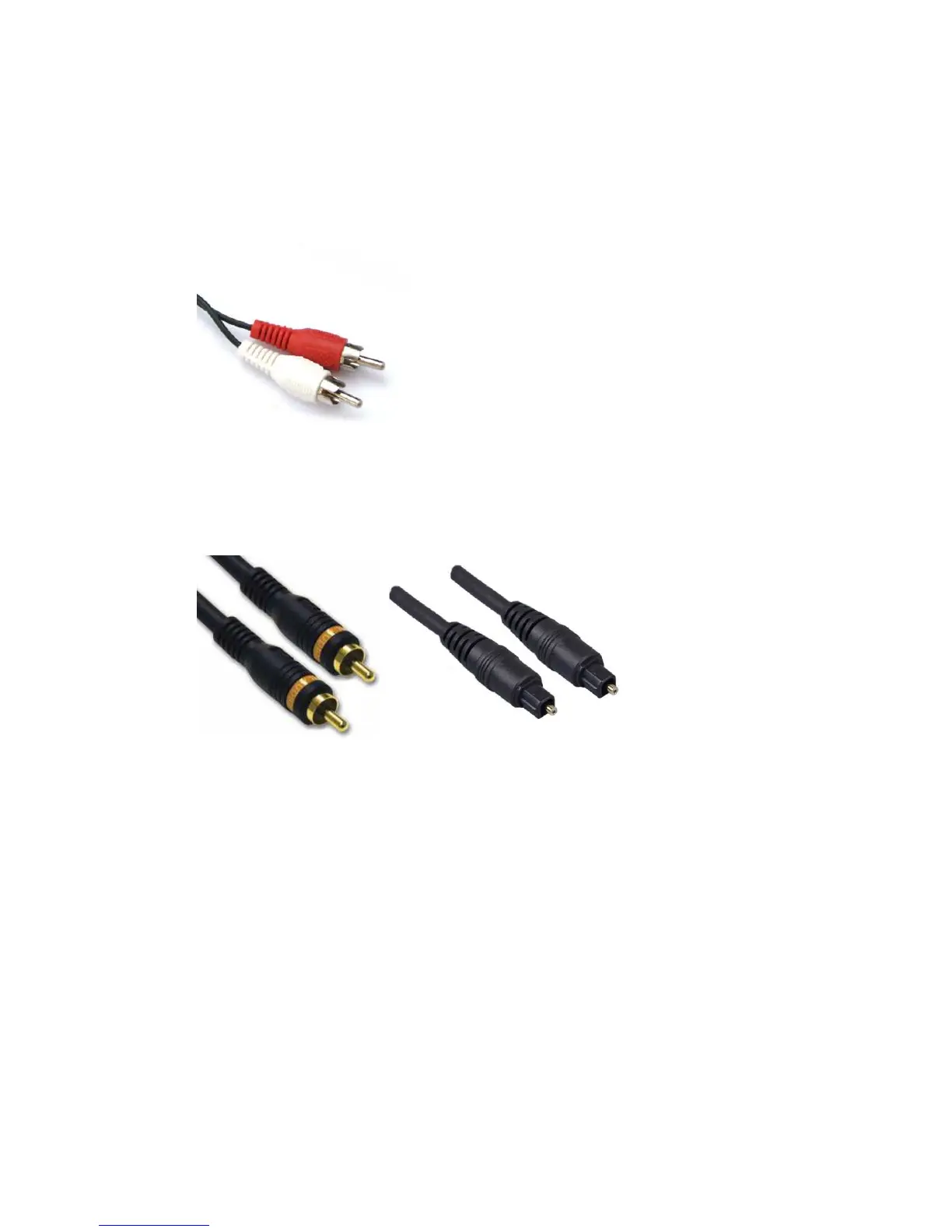
The TV Media Player supports digital audio over HDMI or S/PDIF. Alternatively a RCA
analogue connection for the stereo audio signal can be used.
• Analogue Audio (RCA)
Plug the supplied RCA cable into the A/V port and the red and white connectors
into the colour-coded Audio connectors of your stereo receiver. Connect the red
plugs to the Right (R) jacks and the white plugs to the Left (L) jacks.
• Digital Audio (S/PDIF)
Plug a coaxial or optical cable into the corresponding port on the back of the TV
Mediaplayer. Connect the other end to the corresponding port on your Television
set or Audio receiver.



 To Next Page