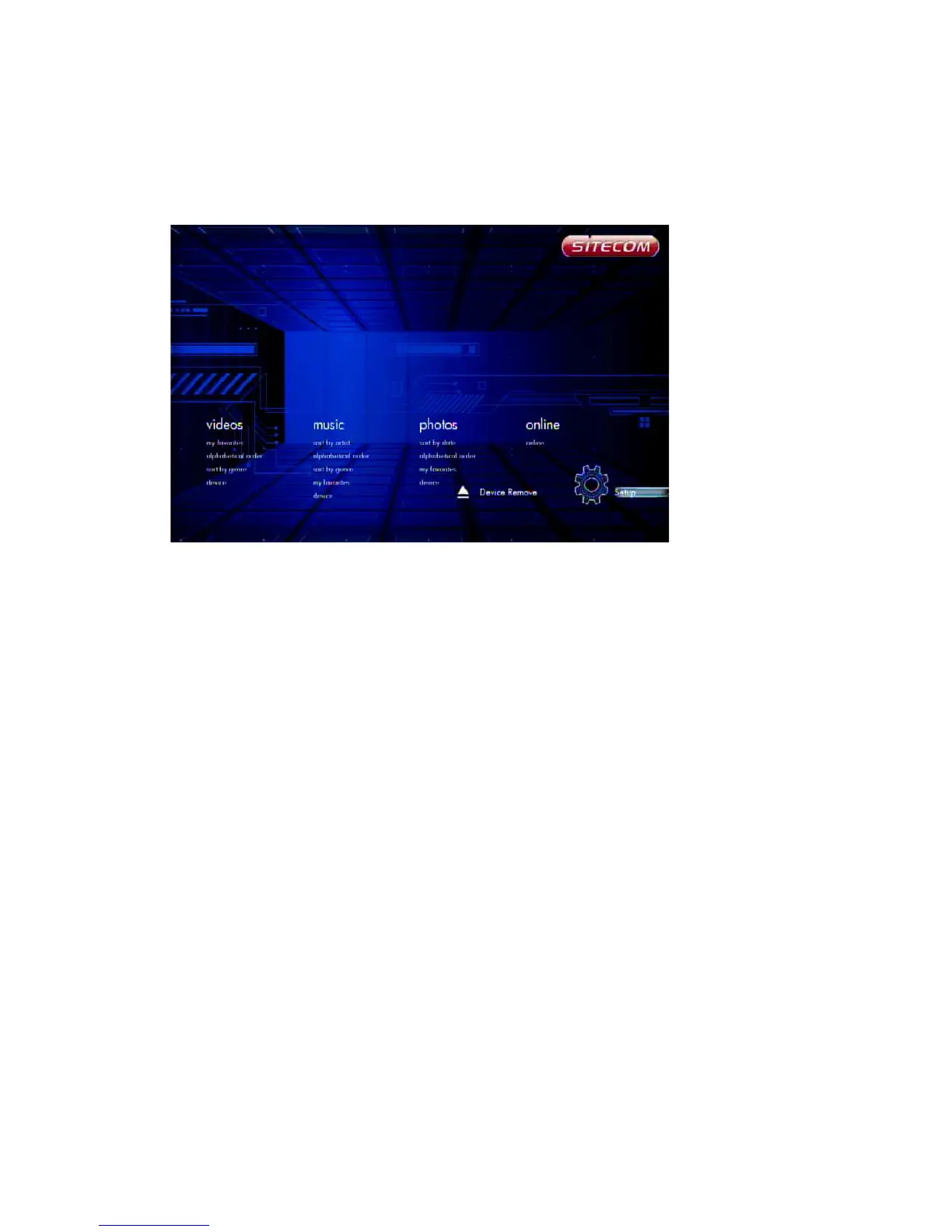
6.5 Music Menu
In the Music menu you can browse through your music files and play them.
6.5.1 Playing Audio
Music -> press ‘OK’ or ‘Play’ button
If you want to play the selected music file, press the ‘OK’ button or the ‘Play’ button
to start playback. During playback, you can press the following buttons:
‘FFWD’ to fast forward through the song,
‘FREV’ to fast reverse through the song,
‘Next’ to jump to the next song in play list,
‘Previous’ to jump to the previous song in play list,
‘VOL+/-’ to increase or decrease the volume,
‘Stop’ to stop play,
‘Return’ will return to file browser, while still continuing to play.



 To Next Page