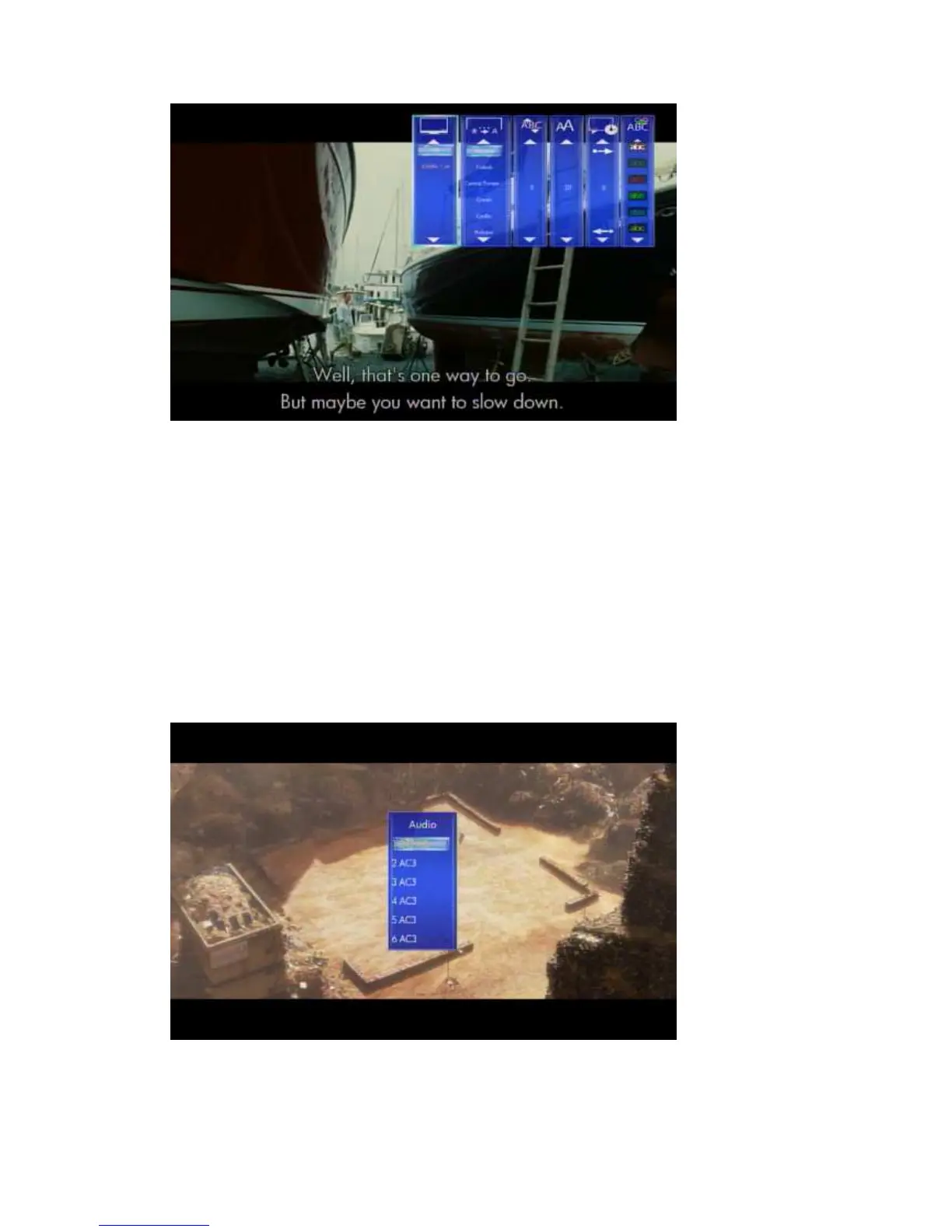
To set the national language subtitles, you have the following options:
Show subtitle
Position of subtitles: 0 ~ 640
Font size : 3 ~ 40
Synchronous tuning
National language
Subtitle colour
Use the arrow keys ‘Left’ and ‘Right’ to select the item, ‘Up’ and ‘Down’ to adjust the
value. Press ‘Return’ to resume playing.
6.7.1.3 Audio
Movies -> Playback -> press ‘Option’ button -> Audio
With this setting you can select the different Audio streams.



 To Next Page