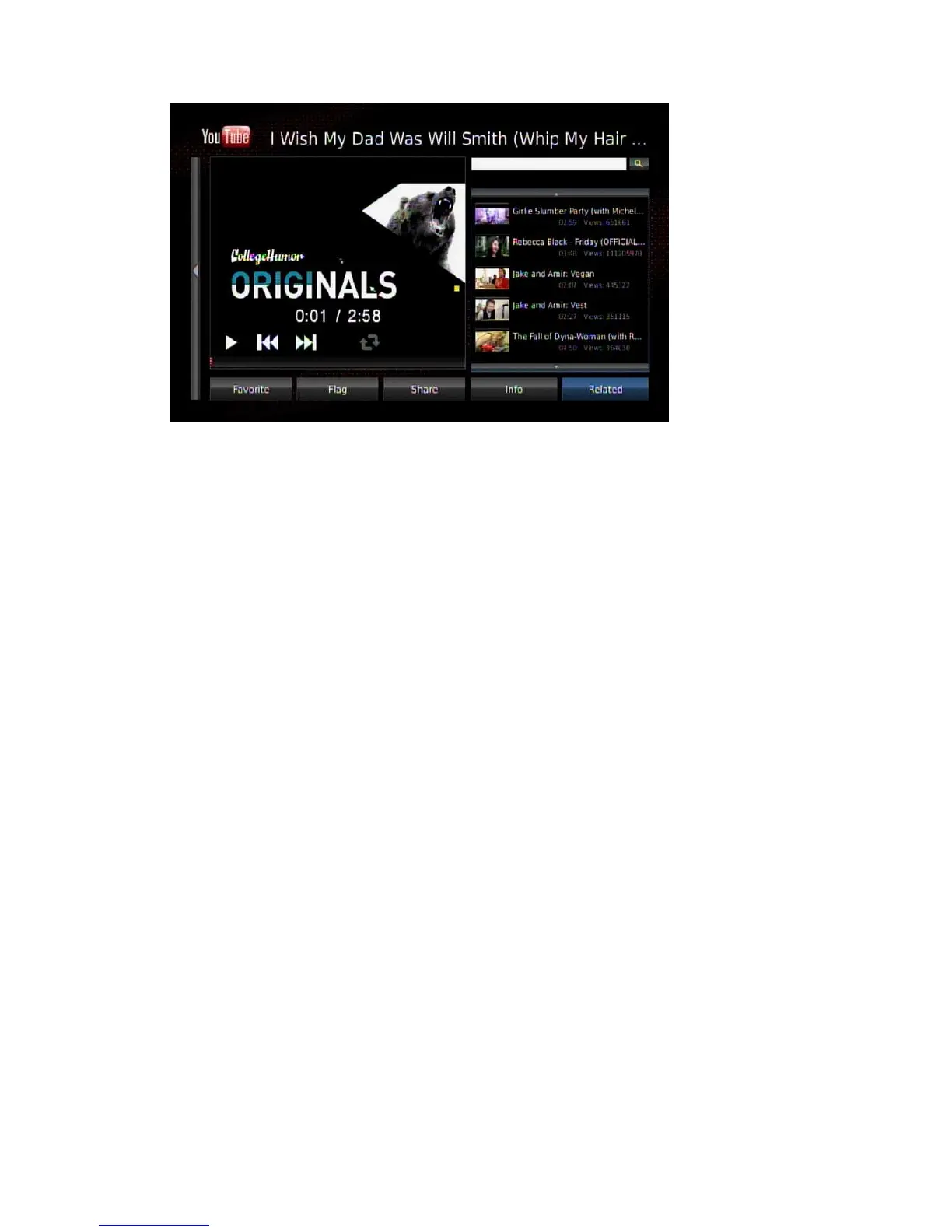
Click a video to play. You can use the playback controls on the remote control to
control the playback. If a USB mouse is plugged in, move the cursor on the video and
the on-screen menu will pop up for you to control it.
Available options:
Search bar: select it to input a keyword to search the video.
Favorite: Add it to your favorite list.
Flag: report it if you feel uncomfortable about this video.
Share: E-mail this link to a friend.
Info: Display the information of the current video.
Related: sort the related video list.
In the video playback screen you can press the “Zoom +” key on the remote control
for full screen playback. Press “Zoom -” to return to the video list.
To exit YouTube-XL, press the “Return” key to return to main menu.
6.8.2 Web Kit
Click the icon to see the page below. You can select the links to visit the web sites.



 To Next Page