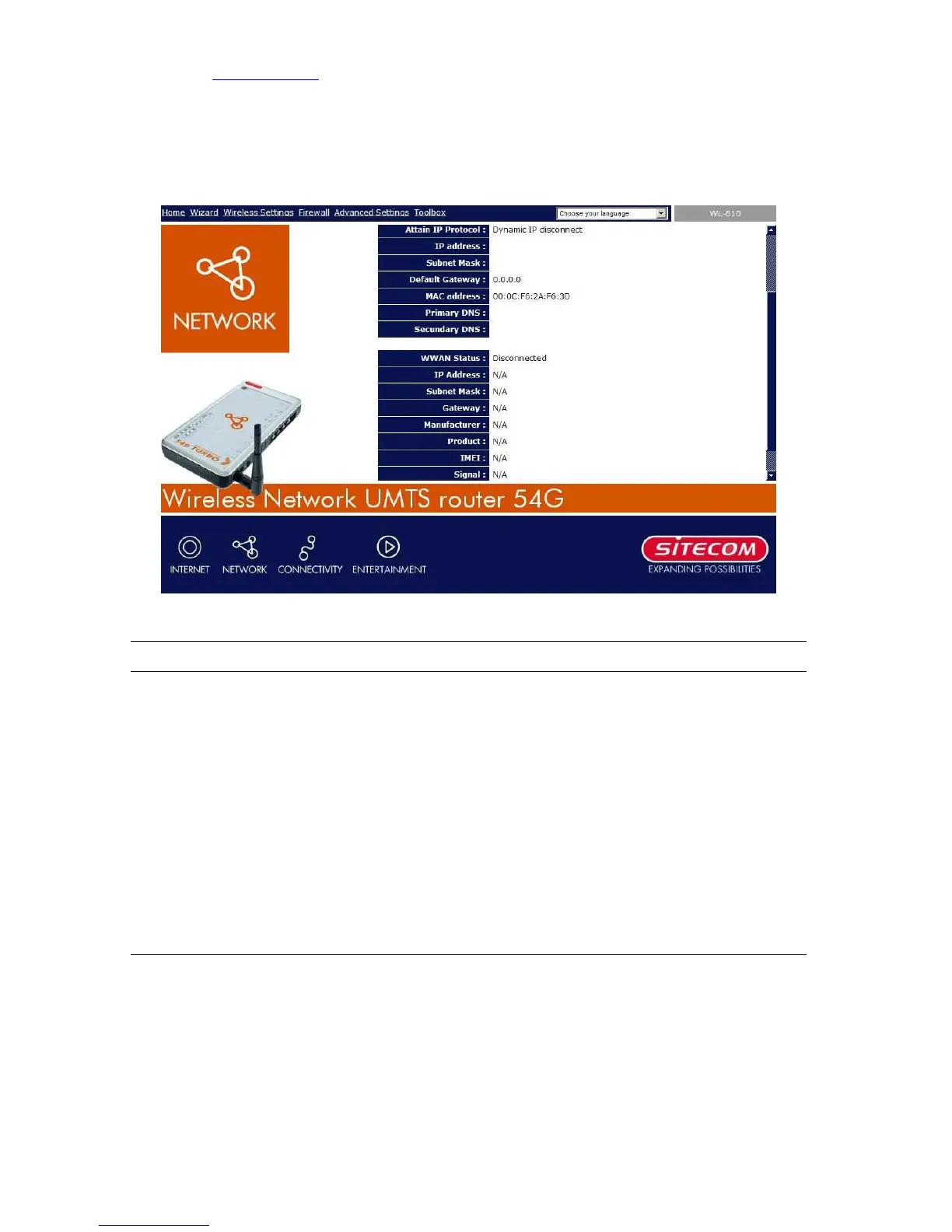
5.2.3 Internet Status
View the Broadband router’s current Internet connection status and other related
information.
Parameters Description
Internet Connection This page displays whether the WAN port is connected to a
Cable/DSL connection. It also displays the router’s WAN port:
WAN IP address, Subnet Mask, and ISP Gateway as well as
the Primary DNS and Secondary DNS being used.
Below the WAN Status you’ll find the WWAN Status, which
displays the 3G connection information: WAN IP address,
Subnet Mask, and ISP Gateway as well as the Primary DNS
and Secondary DNS being used.



 To Next Page