DHCP Settings
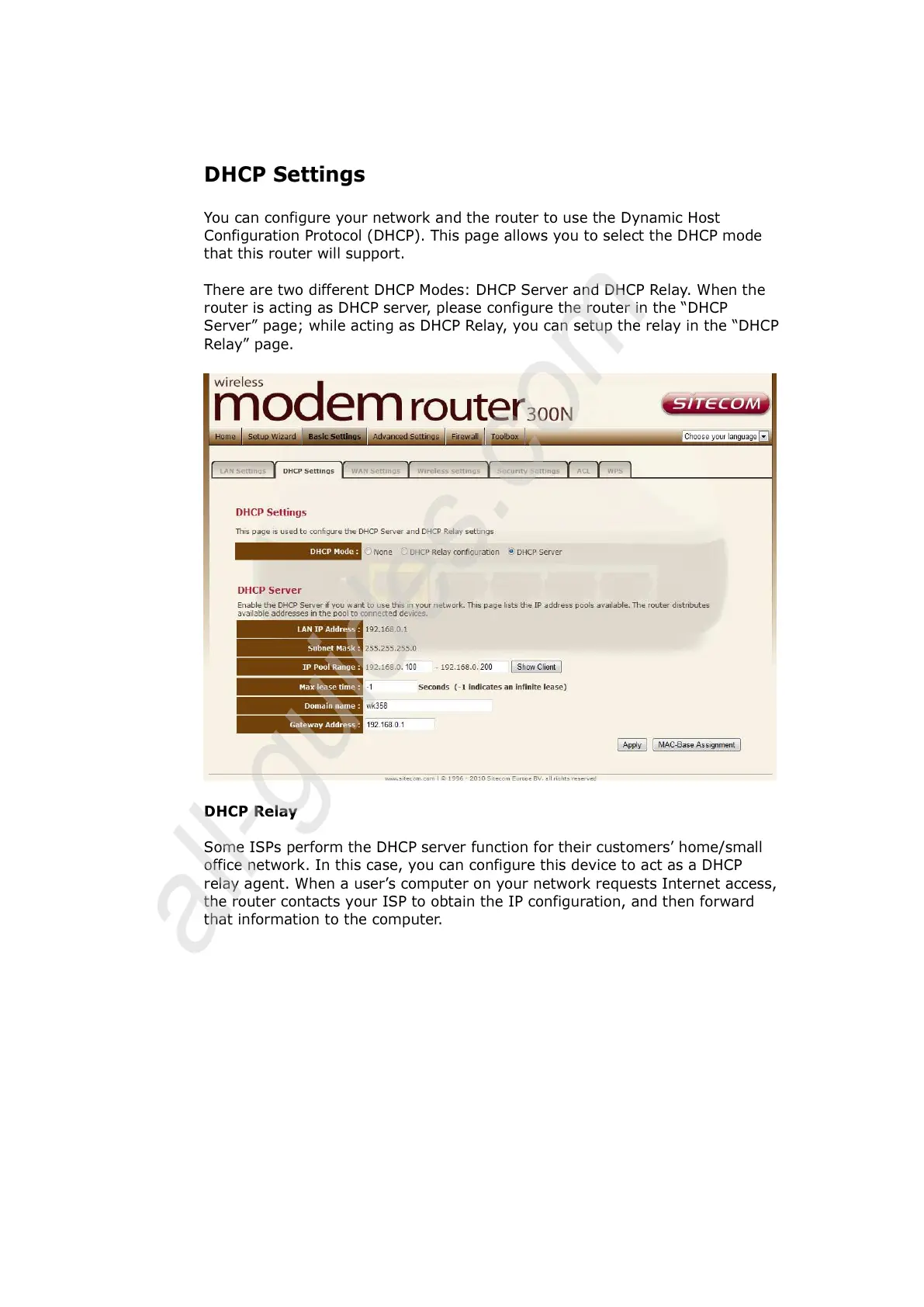
You can configure your network and the router to use the Dynamic Host
Configuration Protocol (DHCP). This page allows you to select the DHCP mode
that this router will support.
There are two different DHCP Modes: DHCP Server and DHCP Relay. When the
router is acting as DHCP server, please configure the router in the “DHCP
Server” page; while acting as DHCP Relay, you can setup the relay in the “DHCP
Relay” page.
DHCP Relay
Some ISPs perform the DHCP server function for their customers’ home/small
office network. In this case, you can configure this device to act as a DHCP
relay agent. When a user’s computer on your network requests Internet access,
the router contacts your ISP to obtain the IP configuration, and then forward
that information to the computer.



 To Next Page