settings will take effect after it reboots.
DNS
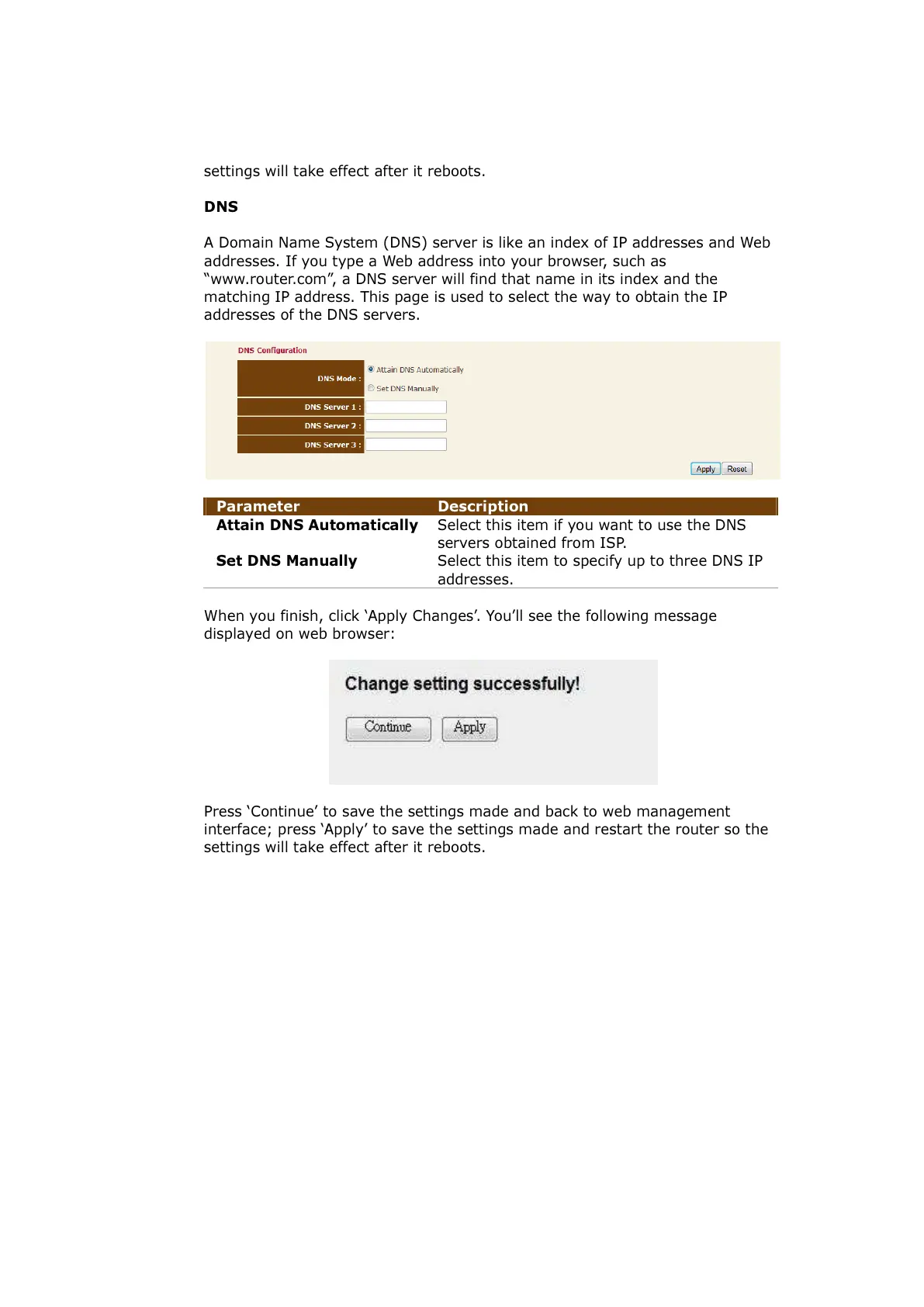
A Domain Name System (DNS) server is like an index of IP addresses and Web
addresses. If you type a Web address into your browser, such as
“www.router.com”, a DNS server will find that name in its index and the
matching IP address. This page is used to select the way to obtain the IP
addresses of the DNS servers.
Parameter Description
Attain DNS Automatically
Select this item if you want to use the DNS
servers obtained from ISP.
Set DNS Manually Select this item to specify up to three DNS IP
addresses.
When you finish, click ‘Apply Changes’. You’ll see the following message
displayed on web browser:
Press ‘Continue’ to save the settings made and back to web management
interface; press ‘Apply’ to save the settings made and restart the router so the
settings will take effect after it reboots.
All manuals and user guides at all-guides.com



 To Next Page