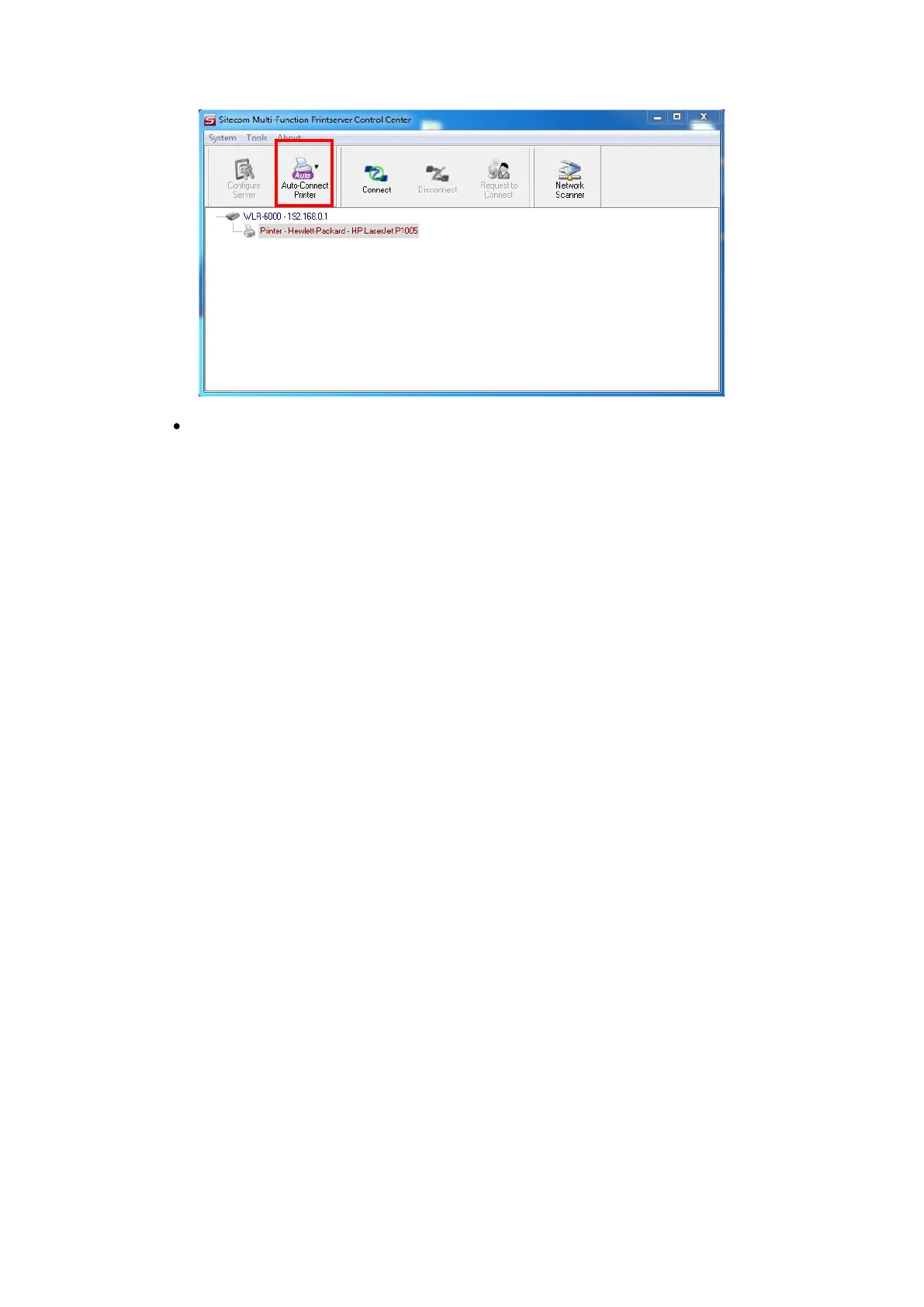
PC will automatically detect that the USB device is plugged-in. On the right
side of the Windows Task Bar, you can see the information of the new device.
Continue to follow the user manual of the USB device to do the rest jobs of
installation, until the driver installation has finished.
After the installation, you can see the newly created devices on the PC. If the USB device
is a MFP, you can see a new printer and a new scanner from the “Control Panel”.


 To Next Page