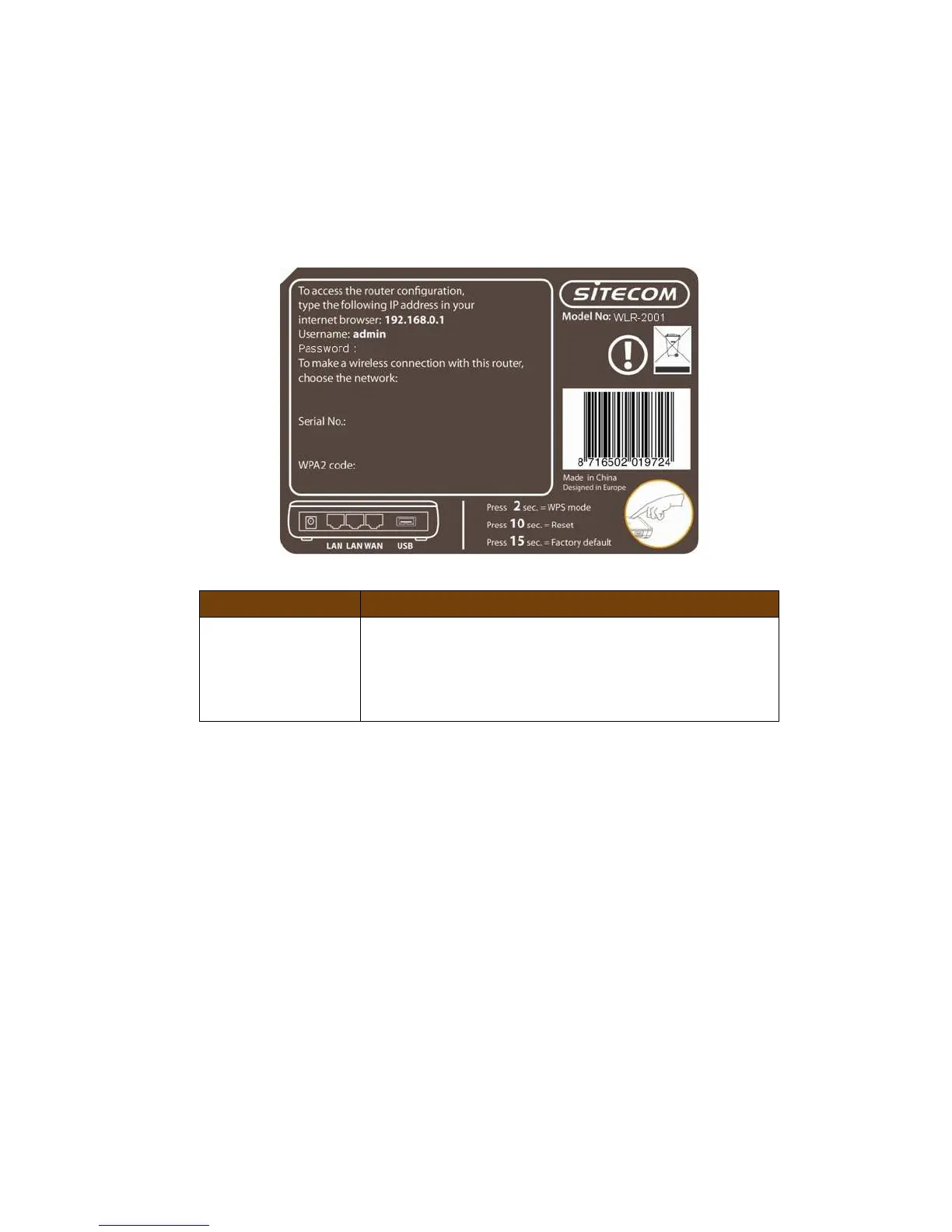
Back label
The back label describes the IP address, login details, SSID, security code and
WPS button functionality.
Button Description
WPS BUTTON Press 2 seconds for WPS mode
Press 10 seconds to reset the router
Press 15 Seconds to reset the router to factory
defaults.



 To Next Page