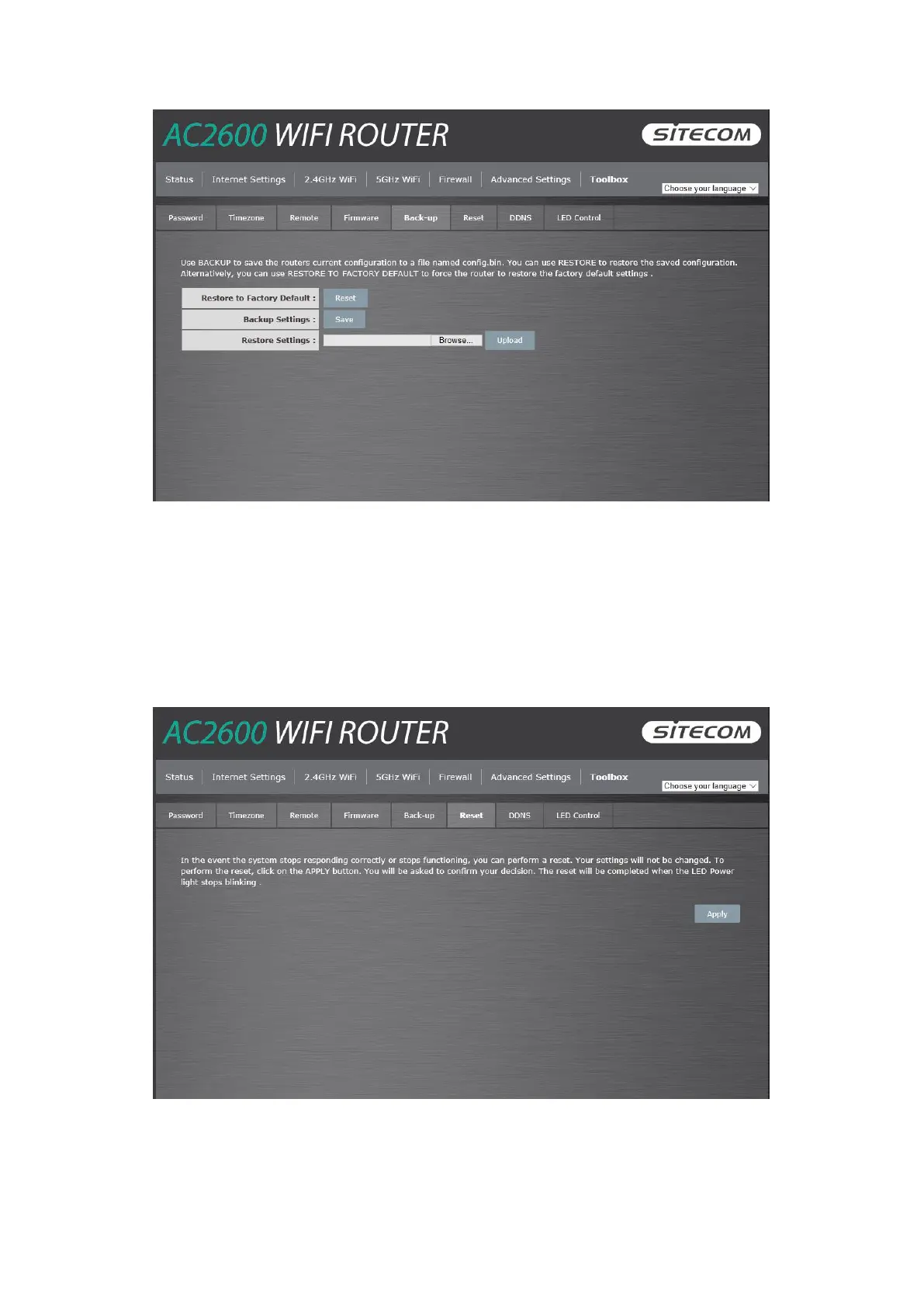
Use the "Backup" tool to save the current configuration to a file named "config.bin" on your PC.
You can then use the "Restore" tool to restore the saved configuration to the router.
Alternatively, you can use the "Restore to Factory Defaults" tool to force the router to perform a
power reset and restore the original factory settings.
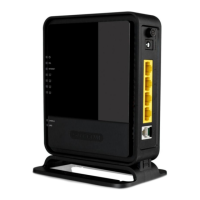
Reset
You can reset the router’s system should any problem exist. The reset function essentially re-
boots your router’s system.



 To Next Page