Using Originals, Bigz, Bigz XL or Bigz Plus Dies
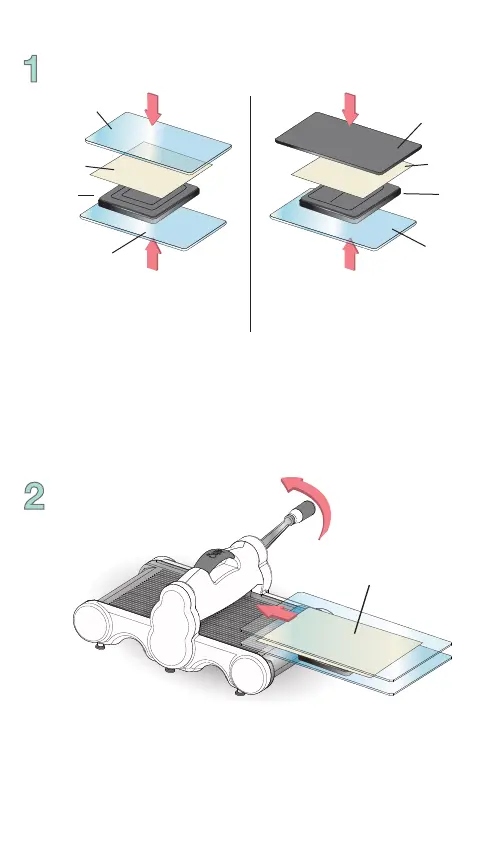
Place an Originals or Bigz die on a Cutting Pad with foam side
up. Place paper or desired material to be cut on top of the die.
Place the second Cutting Pad or Premium Crease Pad on top of
the paper or material to create a “sandwich.”
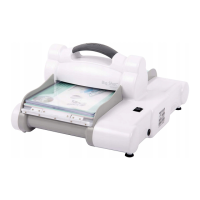
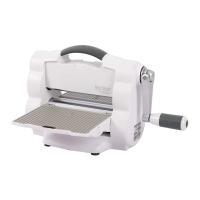
Slide the “sandwich” into the opening of the Big Shot Plus. Note
the rotation of the handle and continue to rotate it in the same
direction until the “sandwich” has passed through the opening
of the rollers. Remove the “sandwich” from Big Shot Plus. Your
die-cut shape is ready to use!
Paper
Die
Cutting Pad
Cutting Pad
“Sandwich”
Paper
Die
Premium
Crease Pad
Cutting Pad
Dies with crease require
Premium Crease Pad
(sold separately)


 To Next Page