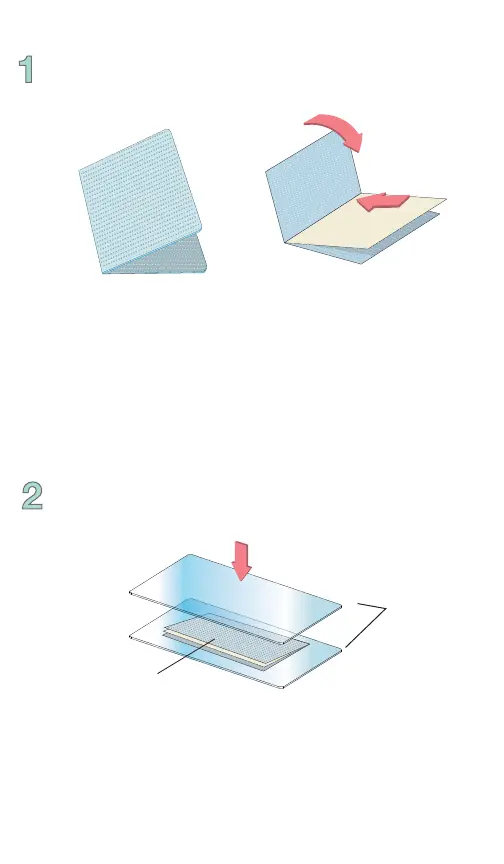
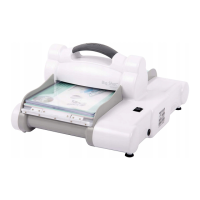
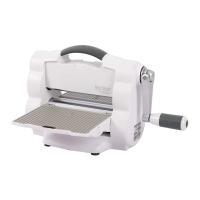
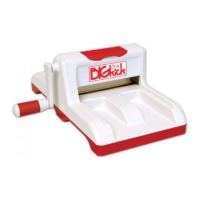
Place Cutting Pad above and below the closed folder to
create a “sandwich.”
With the Textured Impressions Plus Embossing Folder
open, insert paper, foil or other embossable material,
then close like a book.
Using Textured Impressions Plus (A4)
Embossing Folders*
Cutting
Pads
Textured Impressions Plus
Embossing Folder


 To Next Page