Page 2 of 3
TM
TM
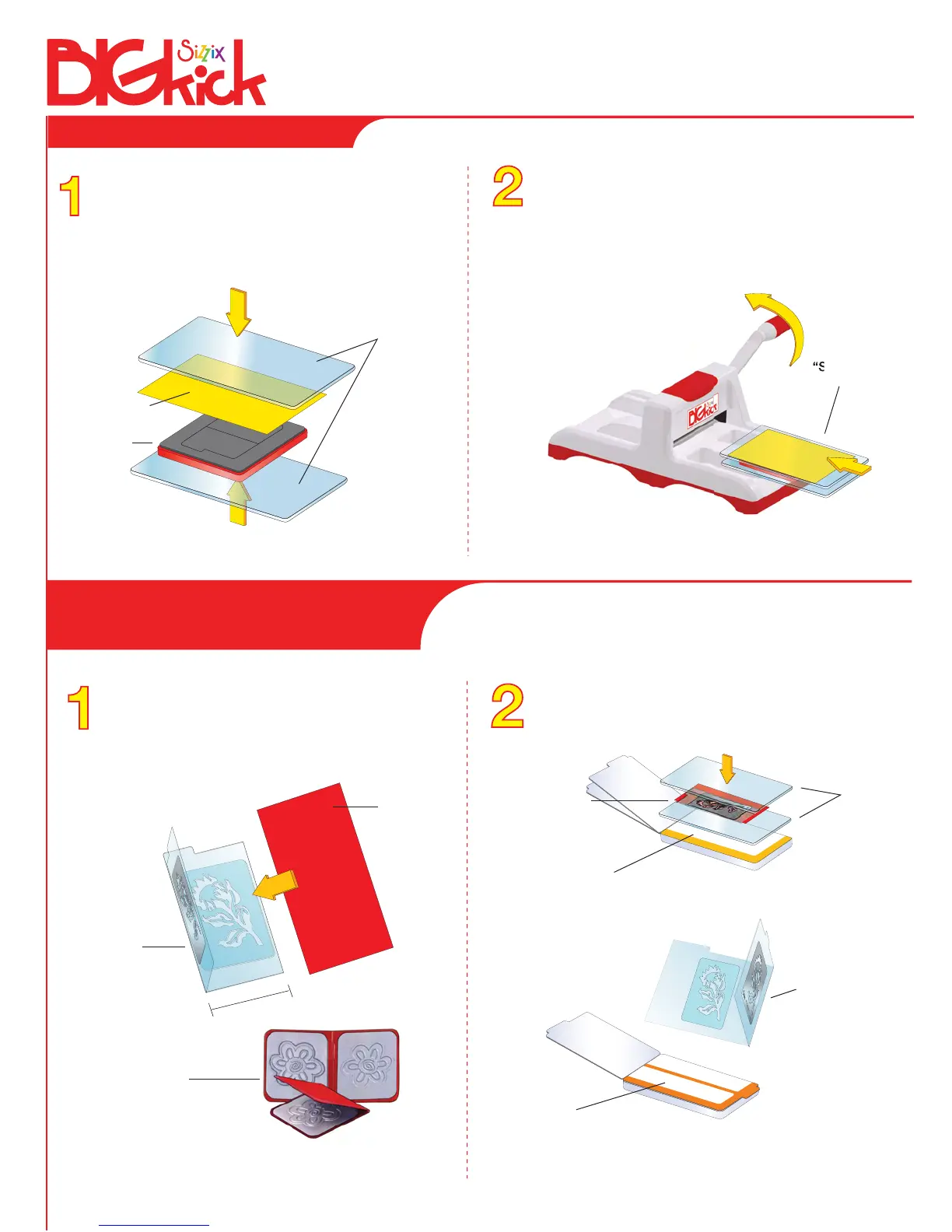
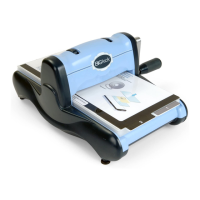
Place an Originals or Bigz Die on a Cutting Pad with
foam side up. Place paper or desired material to be
cut on top of the die. Place the second Cutting Pad on
top of the paper or material to create a “sandwich.”
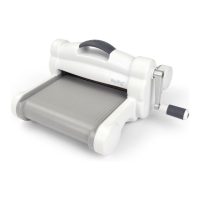
Slide the sandwich into the opening of the
BIGkick. Note the rotation of the handle and
continue to rotate it in the same direction until
the sandwich has passed through the opening
of the rollers. Remove the sandwich from
BIGkick. Your die-cut shape is ready to use!
“Sandwich”
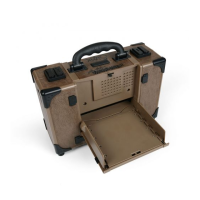
(Do not use the Multipurpose Platform
when die-cutting with Originals and Bigz Dies.)
Paper
Die
Cutting Pads
Using an Originals or Bigz Die
With Simple Impressions Embossing Folder or
Embosslits Die open, insert paper, foil or other
embossable material, then close like a book.
Simple
Impressions
Embossing
Folder
Place Cutting Pad above and below the closed
Folder to create a “sandwich.”
Cutting
Pads
2 1/2ll
Paper
Multipurpose Platform
4ll Embossing
Folder
(Use Multipurpose Platform Tab 1 with Embosslits Dies
and Embossing Folders 4ll and wider.)
Multipurpose Platform
(Use no Multipurpose Platform Tabs with 2 1/2ll Folders.)
Embosslits Die
Simple
Impressions
Embossing
Folder
Using a Simple Impressions
Embossing Folder or Embosslits Die


 To Next Page