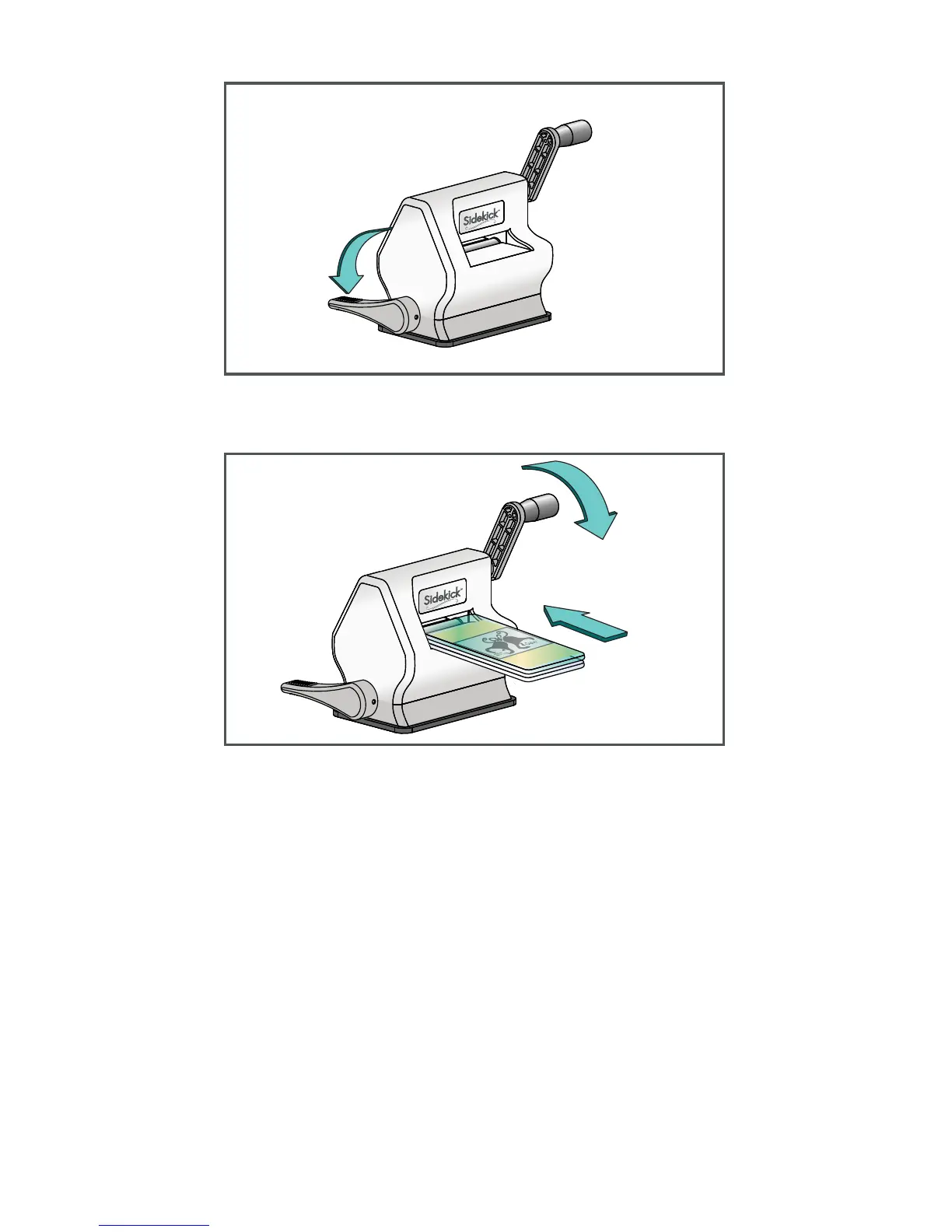
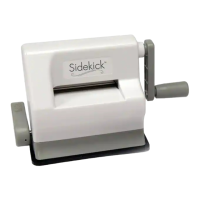
Hold Sidekick down rmly on a smooth at
surface and lower lever to create vacuum seal.
** Sizzix Textured Impressions™ Embossing
Folders sold separately.
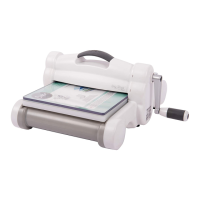
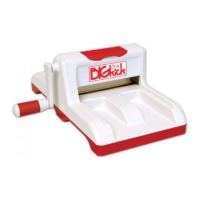
Slide sandwich into opening of Sidekick.
Rotate handle in the same direction until the
sandwich has passed through the opening
and the rollers.
Remove sandwich from Sidekick. Your
embossed piece is ready to use!
4.
5.


 To Next Page