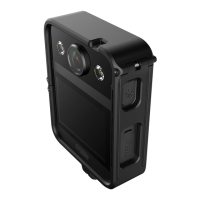
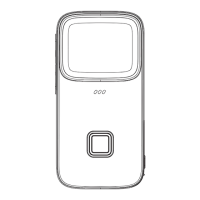
5.Install / Remove the battery
Install the battery
Follow the instuction of step four to open the battery capsule
Put the battery into the capsule following the arrow direction
Close the battery cover and make sure if it is compartment closed.
Remove the battery
Follow the instuction of step four to open the battery capsule
Grip the little knob to pull out the battery
Battery
Knob



 To Next Page
 Loading...