General information 3
General information
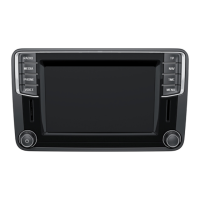
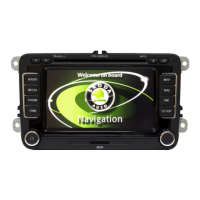
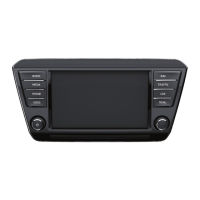
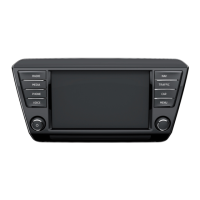
Equipment overview
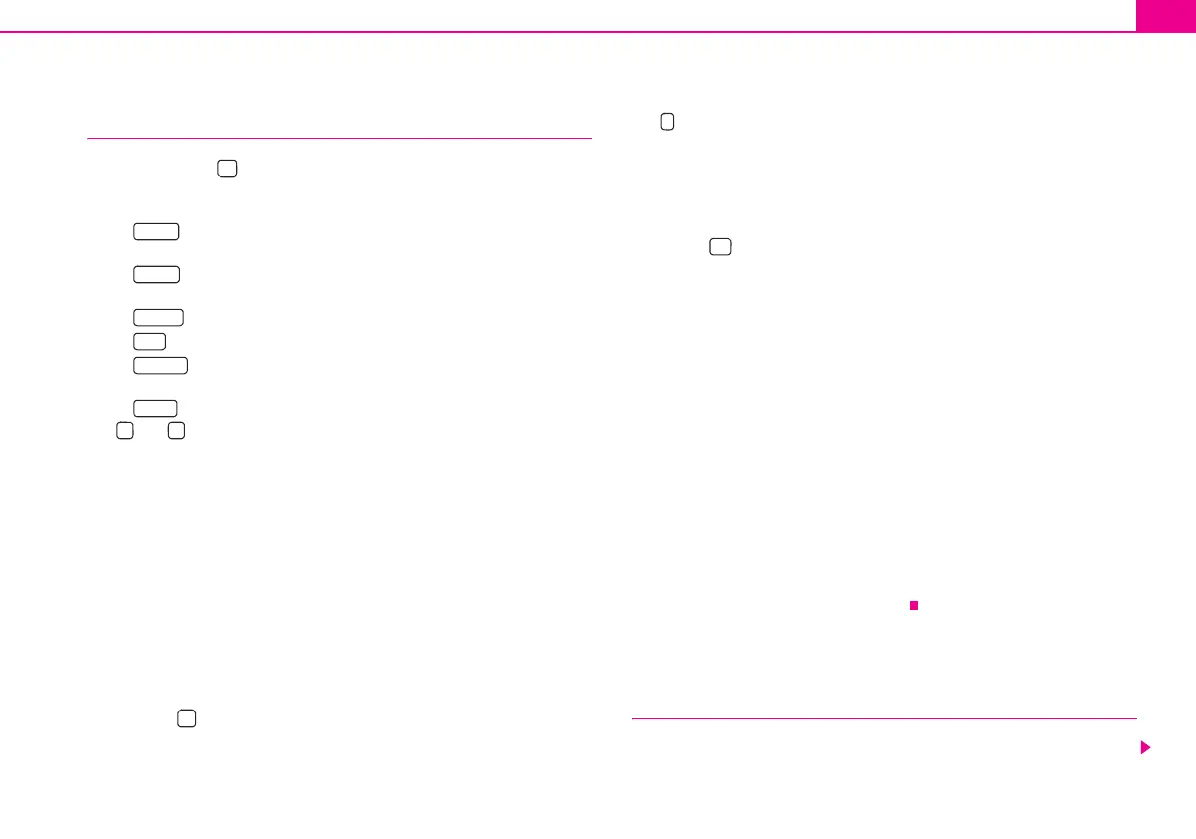
Control button for switching the unit on/off (press) and for
setting the volume (turn) of the currently replayed audio source
Range selector key for selecting the corresponding menu:
− – changes over into the radio mode and changes the
frequency range when in the radio mode
− – changes over to the last played media source or selects
a new media source
− – Mute
− - switches on the navigation
− – switches on the stored TMC traffic reports display
(Traffic-Message-Channels)
− - enables setting-up the individually selected field
°and° : the backwards/forwards keys operate the “active” audio
source
− RADIO mode – for the selection of the station from the station or
memory list
− MEDIA mode – for the selection of the previous or following track
(briefly press), fast forward/reverse (press for a long period of
time)
− NAV mode - repeats the last message of the navigation (if the
navigation is active), displays the information regarding the
vehicle position and enables additional functions (flag dtns.,
routenlist, exclude a stretch)
CD case
Touch screen (Touch-screen): fields circled in colour on the screen
are presently “active” and are operated by touching the screen
Eject key – press briefly to move an inserted CD, ready for
removal, into the initial position
– repeats additional information depending on the current oper-
ating mode
− RADIO mode - switches the radio text display on/off
− MEDIA mode - repeats the last message of the navigation or calls
up the additional functions (flag dtns., routenlist, exclude a
stretch)
Button to return from a menu to the previously selected menu
AUX socket to connect an external audio source
Menu control button
− Mark a function or a sub-menu, set a value (turn)
− Select a function or a sub-menu, confirm a value (press)
Function buttons - the function of the respective button is displayed
on the screen
Memory card case: The SD cards (Secure Digital) and the MMC
cards (Multimedia Cards) have a memory capacity of 4°GB and the
SDHC cards (Secure Digital High Capacity) have a memory capacity
of 32°GB and a dimension of 32 mm x 24 mm x 2.1 mm. The case for
the memory card is located next to the screen.
Explanation of symbols
* items of equipment which are marked in such a way are only installed as standard
on certain models or are supplied as special equipment.
End of a section.
The section is continued on the next page.
Important information
Warranty
The equipment warranty terms and conditions also apply for new vehicles.
1
2
RADIO
MEDIA
PHONE
NAV
TRAFFIC
SETUP
3
4
5
6
7
8
9
10
11
12
s3lk.book Page 3 Friday, November 7, 2008 11:07 AM







 To Next Page