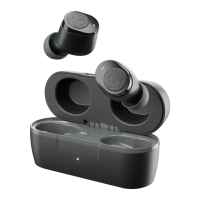
DO THIS FIRST TO PAIR:
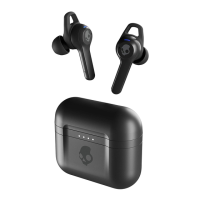
Remove earbuds from package, place them
in charging case, and make sure both earbud
LEDs turn red.
Remove earbuds from charging case.
This will automatically put them in pairing mode.
(Note: only the left bud will flash red and blue.)
Open your list of available Bluetooth devices
and select "Indy Evo." Earbud LEDs will turn
blue when connected. Be sure to select
"Pair" or "0K" when you see the Bluetooth
pairing request.
Bluetooth pairing request
Pair with Indy Evo?
Bhetooth
Cancel Pair
u•tooth pairing request
with Indy

 Need help?
 General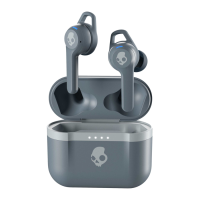

 To Next Page