Updating Your Chisel
Bluetooth/Firmware Update
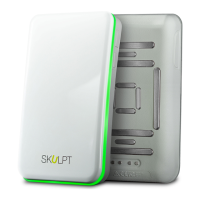
Skulpt may release free updates for your Chisel. It is recommended that you
keep your Chisel updated. The latest feature enhancements and product
improvements are made through updates.
Updating your Chisel can take from six to ten minutes, and requires your battery
to be at least 50% full. We recommend that you charge your Chisel prior to
updating.
Updating Chisel on iPhone/Android
You can update your Chisel through the Skulpt app on your iPhone or Android.
1. Open your Skulpt app.
2. Turn on your Chisel. Make sure that it is within range of your
iPhone/Android.
3. Tap the menu button on your Skulpt app.
4. Tap ‘Update Chisel’ to update the firmware.
5. If there is an update available, your Chisel will begin to update. If there is
no update available, your app will read “No update needed.”
NOTE: Make sure that your Chisel remains near your iPhone or Android while
updating.
When your update is finished, your app will say, “Update Complete!”


 To Next Page