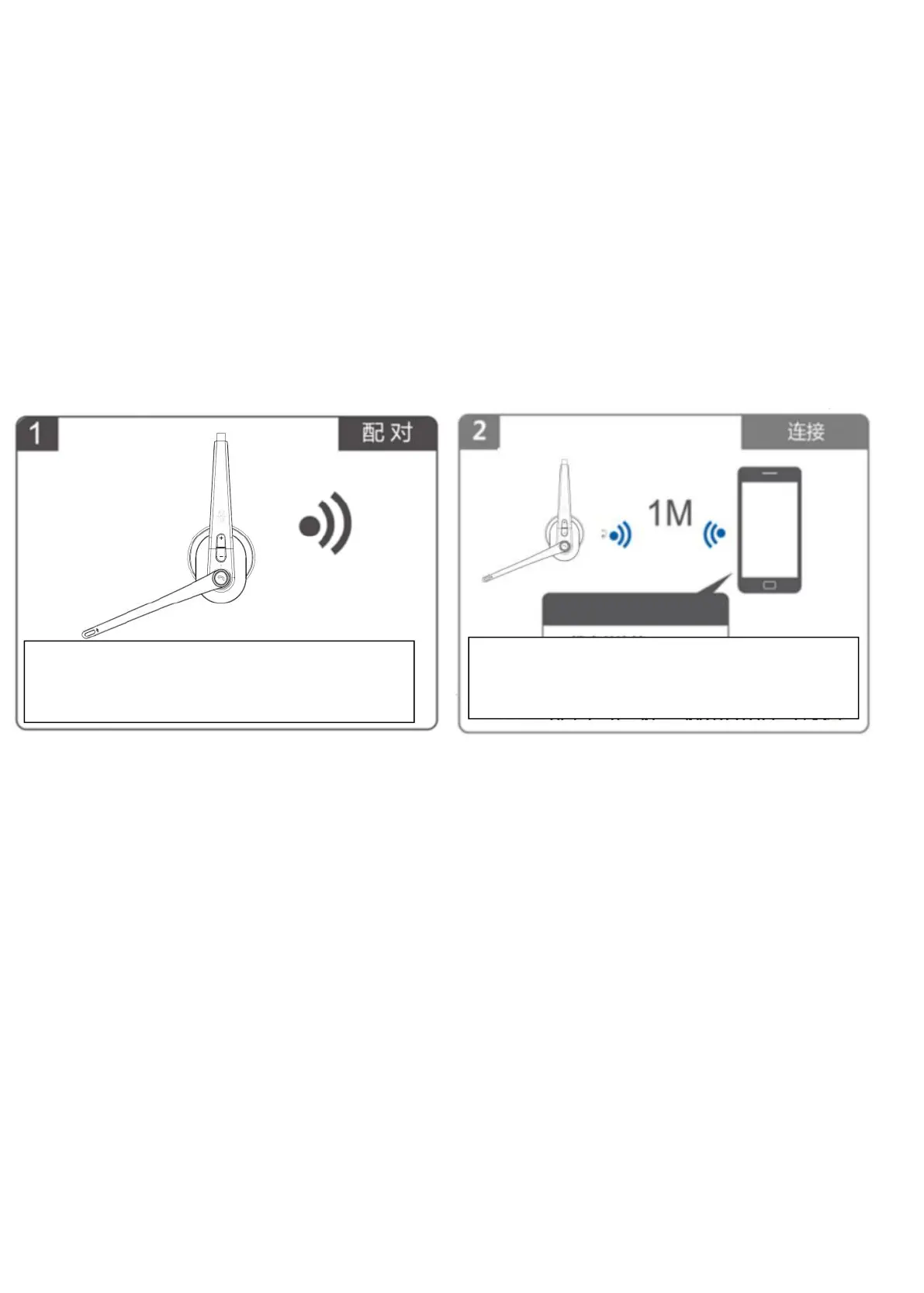
3. Bluetooth Pairing and Connection:
A. In off status, long press MFB 3-4 seconds to enter pairing mode with LED
Blue & Red flash alternately.
B. Search and click to connect “TaoTronics M99+” on your phone Bluetooth
lists, LED change to Blue slow flash after connected, now you can play music
from phone to headphone.
C. You can press MFB/ volume+ / volume- on the Bluetooth headset to
control the answer/hang up a call and play/pause of the music, next and
previous songs, volume up and down.
Pairing
Long press MFB 3-4 seconds to enter pairing
mode with LED Blue & Red alternately flash.
Connection
Search and click to connect “TaoTronics TT-
BH041” on your phone Bluetooth lists.



 To Next Page