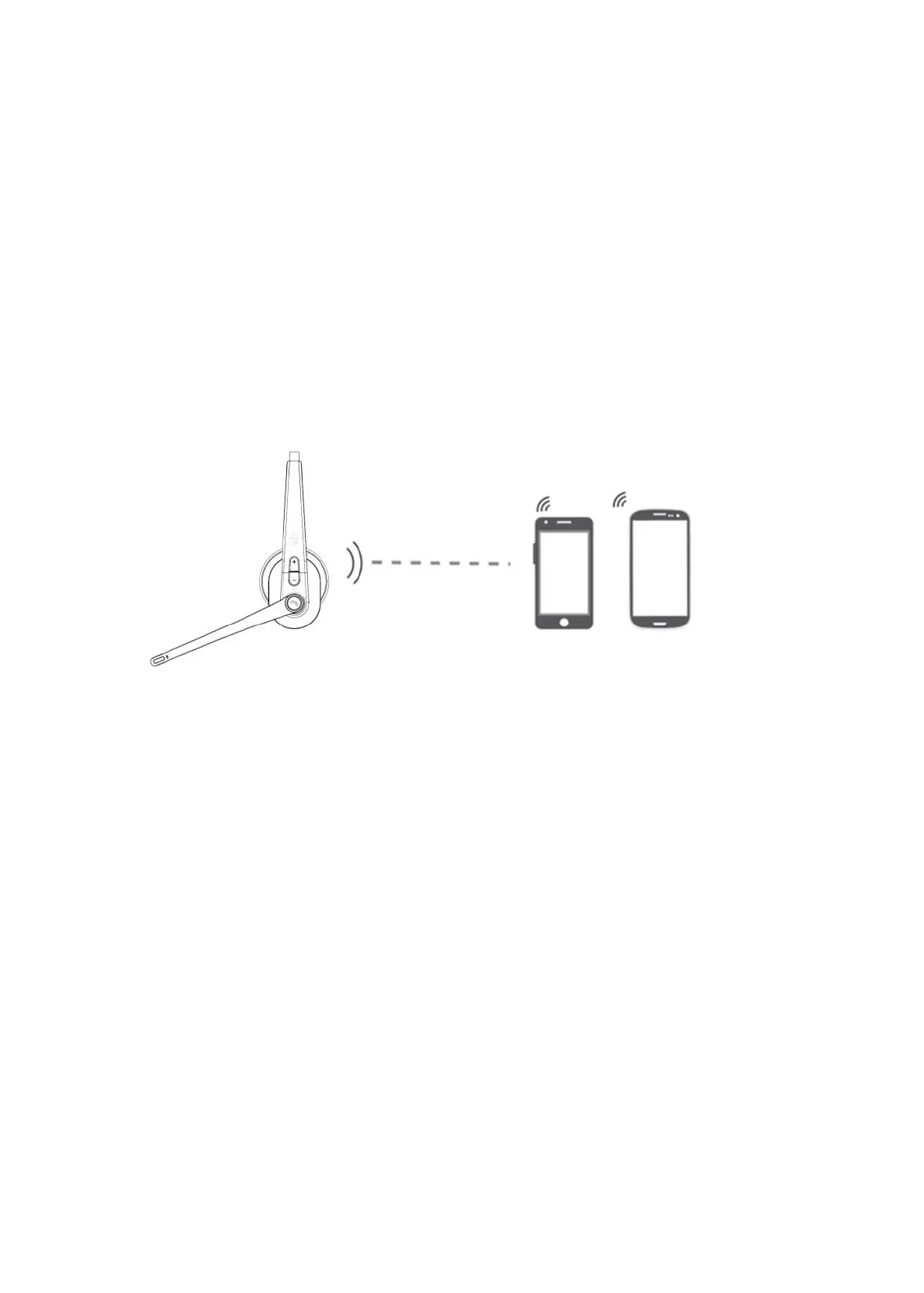
4. Connection with Two devices:
A. Follow part 3 to connect with first phone, then turn off the Bluetooth
function of first phone.
B. Long press MFB 3-4 seconds to pairing mode again with Red & Blue LED
flash alternately.
C. Search and click to connect “TaoTronics M99+” on your second phone
Bluetooth lists, LED change to Blue LED low flash after connected.
D. Turn on Bluetooth function of first phone, click to reconnect “TaoTronics
TT-BH041” on Bluetooth lists. Headset is connected with two phones now.。
* Music only can be played from one phone under two connections,
when you want to play music from another phone, you need to pause or
close the music of the previous phone. The same operation during
talking status.



 To Next Page