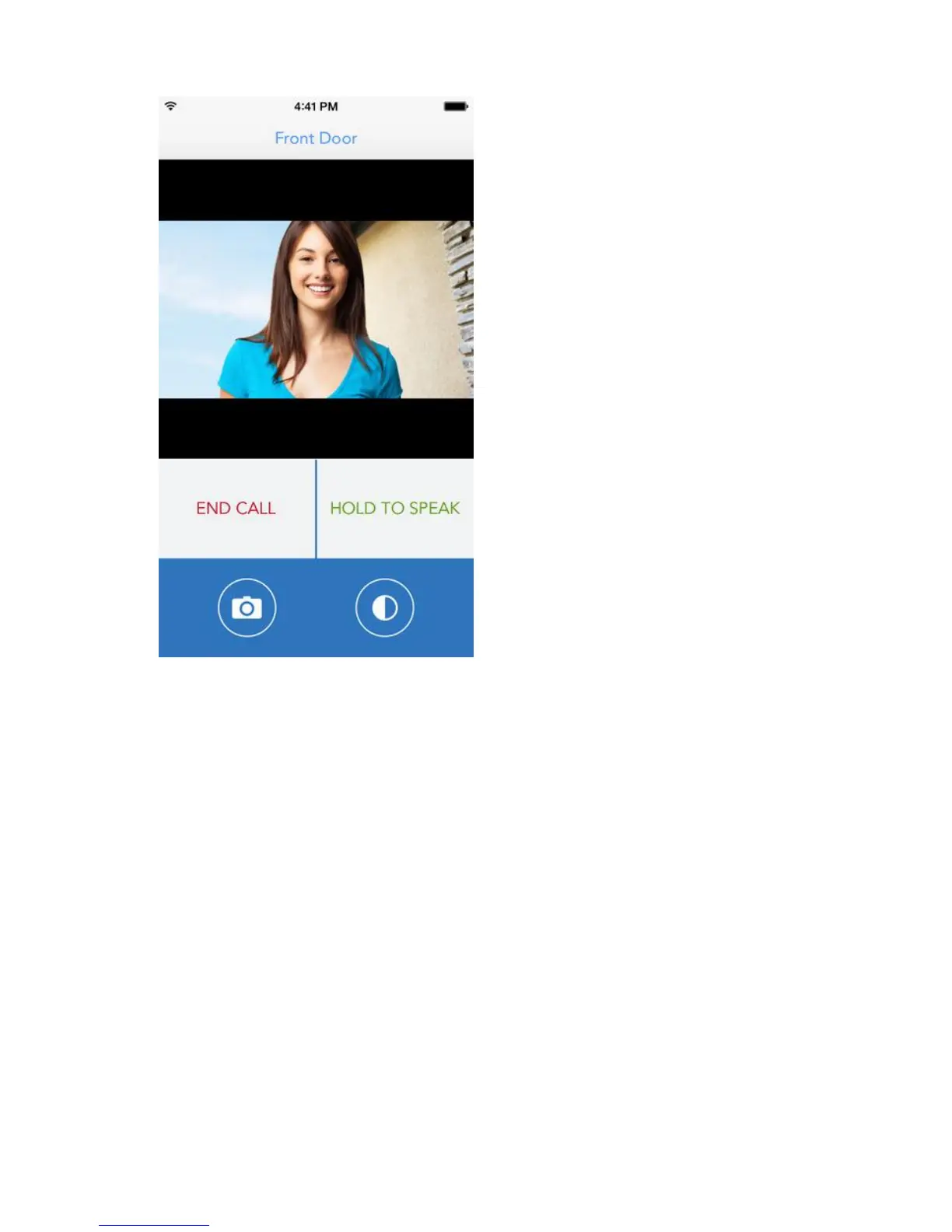
Image 18 – SkyBell call
The live video stream starts instantly. You may hear the visitor in front of your door
speak, but the will not hear you yet. If you want to talk to the person, pres “Hold to
Speak” and keep the button pressed when talking to the person.
Press “End call” to close the connection.
The other buttons offer the possibility to take a picture (snapshot) from the video
image or to activate the night vision.
6.0 Status LED
The SkyBell LED shows several modes of the SkyBell.
Red (Solid) = Device has power but no Wi-Fi connection or has not yet been synced
Red (Blinking Fast) = Device is in smart configuration mode = setup/sync mode. If
stuck in this mode during or directly after a sync attempt, cut power and try to
configure again.
Red (Blinking Slow) = Device has direct power and battery is charging. Or may be
insufficient power coming from the power source.


 To Next Page