the person in front of your door. Get instant push notifications on your smart phone
and tablet when a visitor is pressing the doorbell button, but also view live stream
video images on demand.
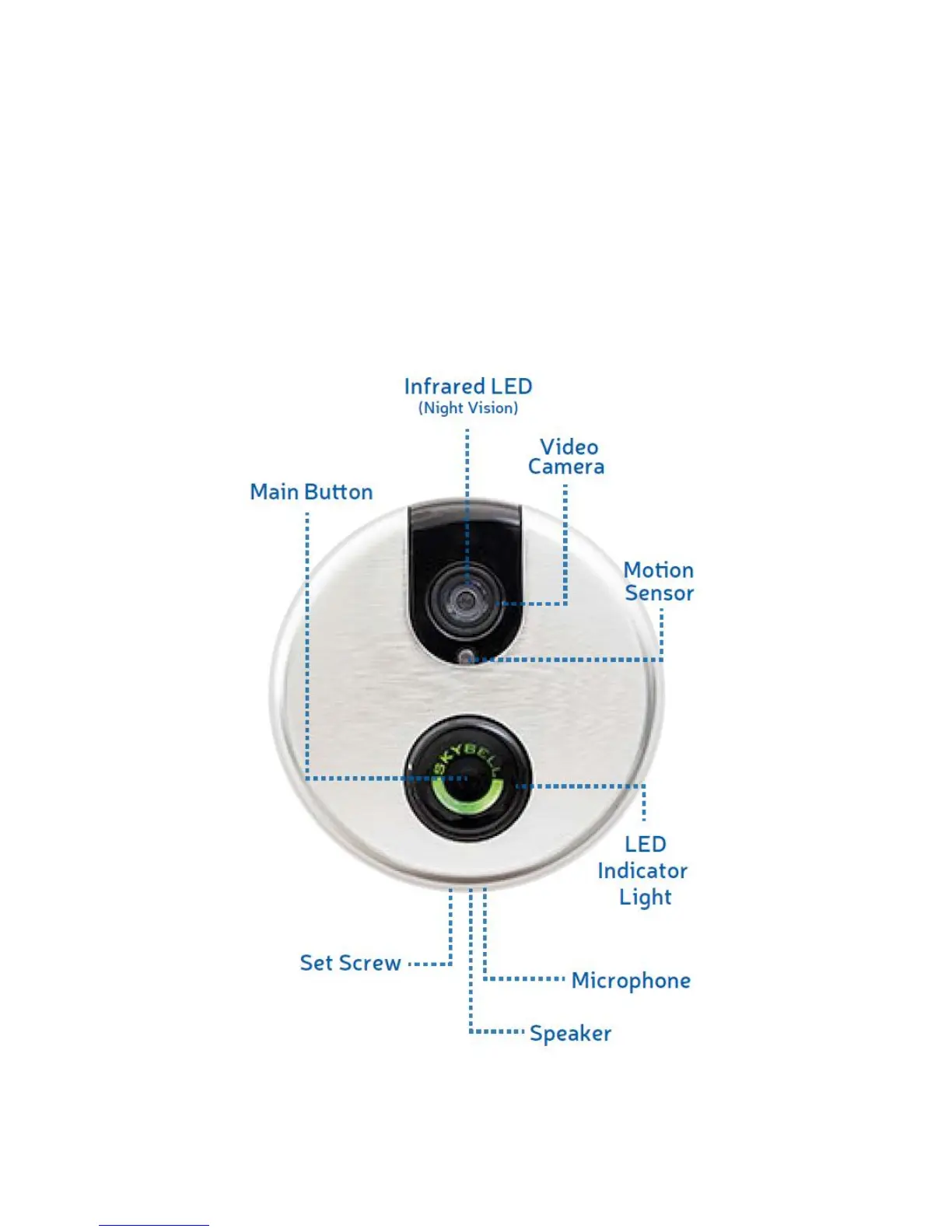
The built-in motion sensor provides even more possibilities. If someone is standing in
front of your door but does not ring, you can get a message about this event.
Multiple devices can receive a push notification from your SkyBell. The first person
accepting the call can view live images and talk to the visitor.
This manual will help you to mount and use the SkyBell WiFi doorbell.
Image 1 – Functions of the SkyBell


 To Next Page