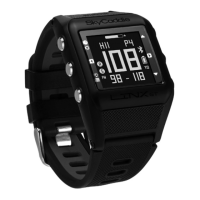
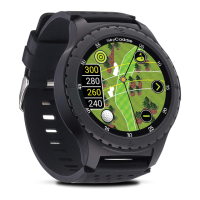
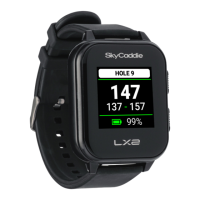
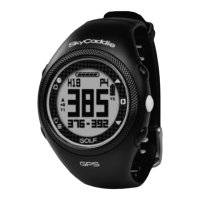
SKYCADDIE LINX MODES
Your SkyCaddie LINX is versatile and includes several Modes:
• GOLF*:
View distances, track your score, and measure shot distances.
• TIME: View the current time and date.
• ODOMETER*: Track and save info about your walk, run, or ride.
• STOPWATCH: Track elapsed time and individual lap times.
• TIMER: 3 adjustable timers that count down to 0.
• ALARM: 5 alarms that can alert you at specific times of the day.
• SCORES: View and manage saved GOLF scores and stats.
• WORKOUTS: View and manage saved ODOMETER sessions.
• LOCATION*: Display your current GPS location.
• SETTINGS: Adjust various settings for your SkyCaddie LINX.
• INFO: Display information about your SkyCaddie LINX.
• DEMO: Demonstrates the GOLF features.
• CODE: Display your activation Access Code.
• TURN OFF: Turn your SkyCaddie LINX off. (To turn your it back
on, press and hold the MENU button.)
*NOTE: A GPS signal is required for these modes. You must be
outdoors with a clear view of the sky. We recommend that
you start these activities with a fully charged battery as they
consume battery capacity at a much higher rate than non-GPS
Modes.
4



 To Next Page