For Product Videos, please visit www.skygolf.com/MyPRO5X
Nothing Else Comes Close! 7
Using a wall outlet
1. Simply connect the USB end of the cable to your computer and the micro C-Type USB end to the PRO 5X.
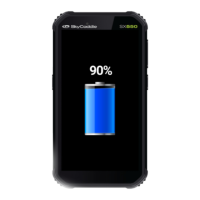
2. Your SkyCaddie PRO 5X will automacally begin charging once the USB cable is inserted in the port. You will see a
Baery icon appear on the screen when aached. Once fully charged the icon will reappear on the screen showing a
full charge.
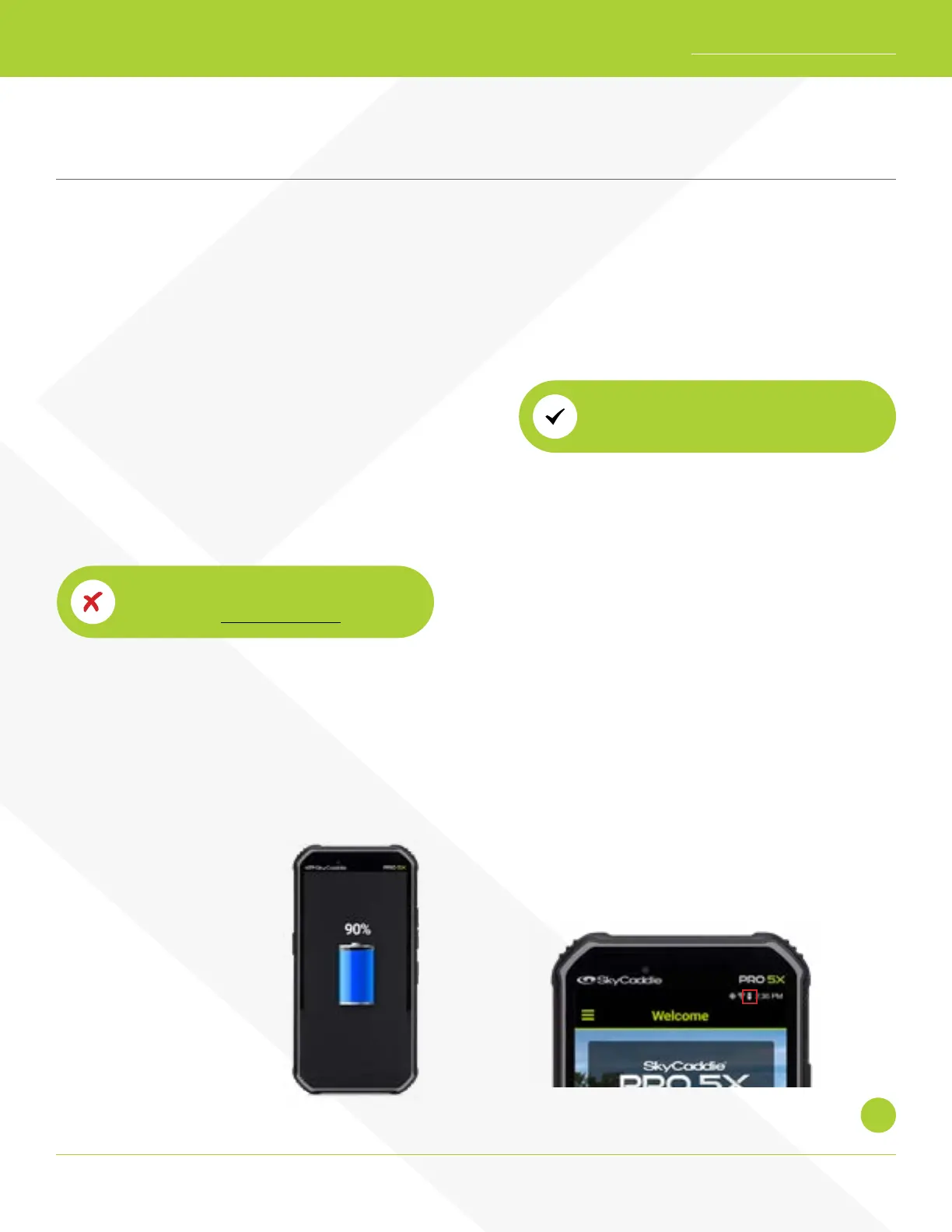
When your PRO 5X is turned
o and connected to wall
charger, you will see this screen
– to check if charging, simply
press the power buon and
this screen will show.
Charging your SkyCaddie PRO 5X
1. With the PRO 5X lying at on a surface, touch screen up, gently pull back the port cover located on the boom of
your SkyCaddie PRO 5X to gain access to the micro C-Type USB port.
2. Take the cable that is included in the box and insert the micro C-Type USB connector into the open port.
3. Plug the power adapter into an open wall outlet or surge protector.
4. Your SkyCaddie PRO 5X will automacally begin charging
once the USB cable is inserted in the port. You will see a
Baery icon appear on the screen when aached. Once
fully charged the icon will reappear on the screen showing a full charge.
Using your computer
NOTE: This is a much slower method for
charging and not recommended
How Do I Know If My PRO 5X Is Charging?
Your PRO 5X will automacally power
OFF when fully charged.
When the PRO 5X is turned on, and connected to wall
charger, you will see this lightning bolt in the baery
meter at the top of the screen


 To Next Page