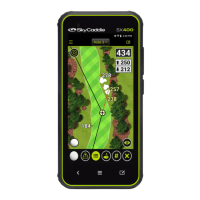
For Product Videos, please visit www.skygolf.com/MyPRO5X
8 Nothing Else Comes Close!
Registering Your SkyCaddie PRO 5X
There are two ways to acvate and register your SkyCaddie PRO 5X:
1. Power on your PRO 5X.
2. On the Home screen, select the “Register” buon.
3. Follow the on-screen instrucons to complete the
registraon process.
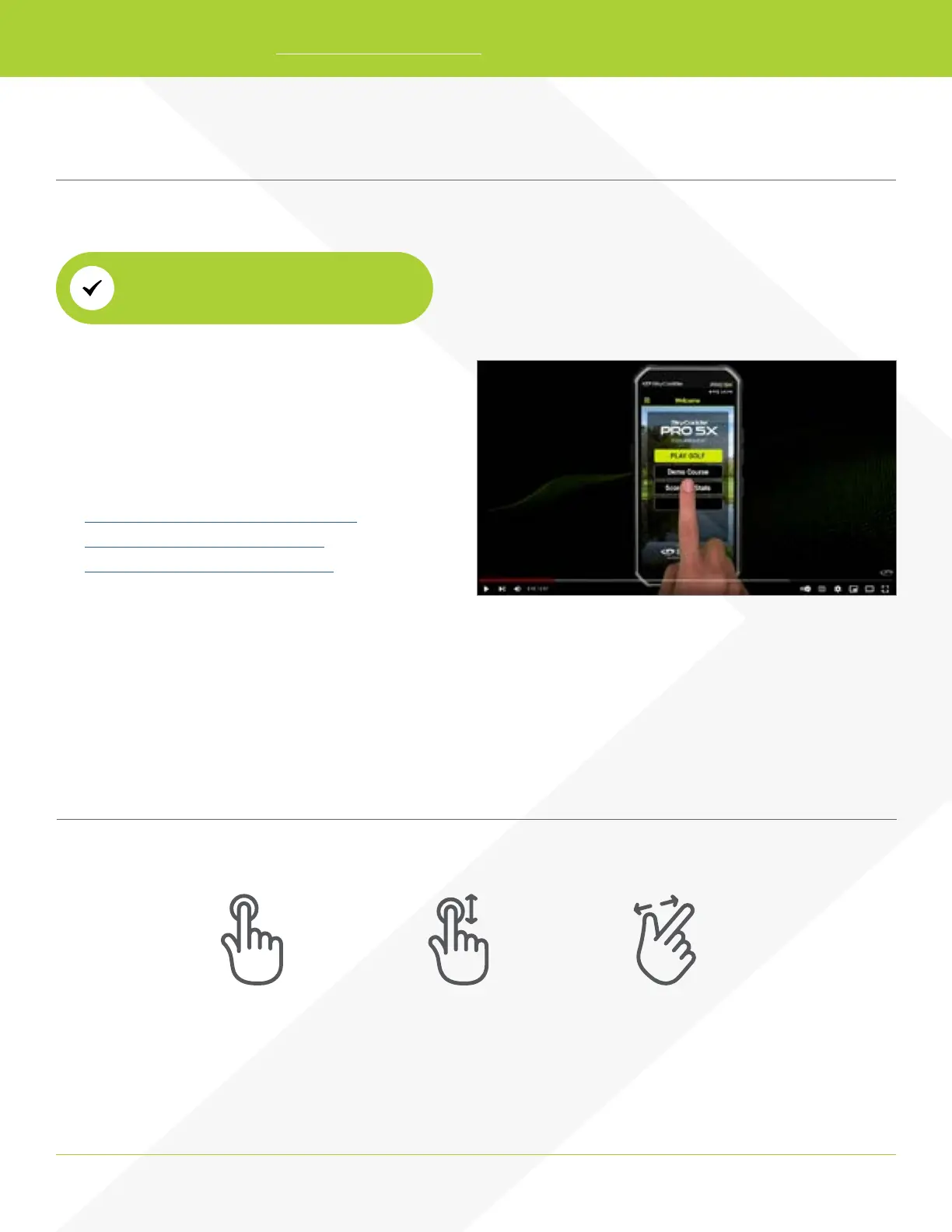
Video instrucons available here:
How to register as an exisng customer
How to register as a new customer
How to register with a pre-paid card
Via Wi-Fi (Preferred Method)
Navigang Your SkyCaddie PRO 5X
The screen of your SkyCaddie PRO 5X responds to several gestures:
Tap gesture Pinch and ZoomDrag gesture


 To Next Page