(2)
Rocker Calibration
(1)Put the rocker G, H back to the center, and then turn off he remote controller
(2) Long press D button to power on, and release D button after turning on the remote controller
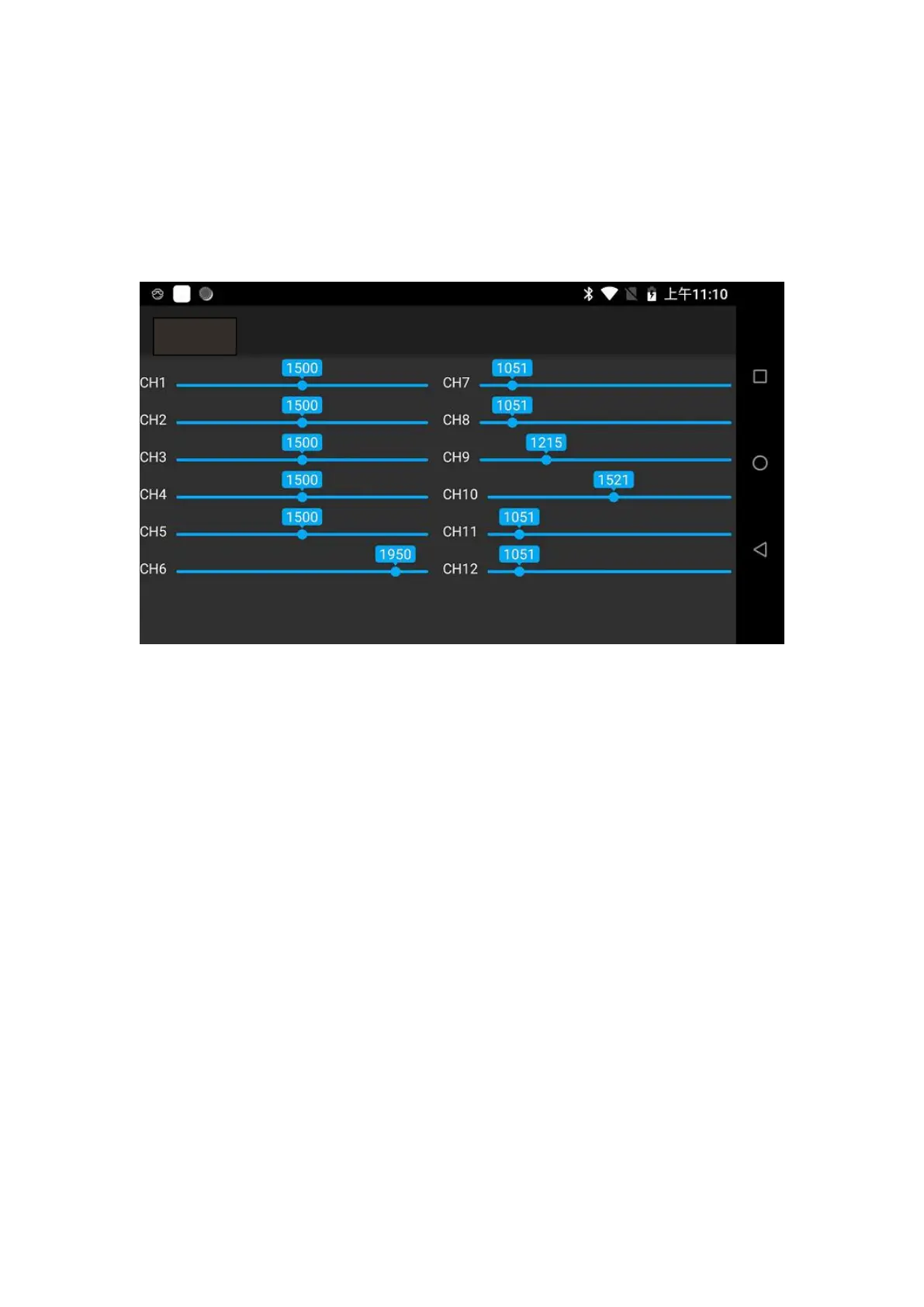
(3) When calibrating the rockers, please check the rubber capacity in the H12Tool and open the
auxiliary calibration.
(4) Long press D button to enter the calibration mode, and the remote controller will ring
continuously.
(5) Move the right and left rockers to the maximum and minimum value in sequence. Long press
D to confirm after moving.
(6) Restart the remote controller.
Sharing digital:
This function is not currently supported
H12Tool



 To Next Page