SJ 46A & SJ 46AJ
December 2007 Page 45
Section 2 - Operation Start Operation
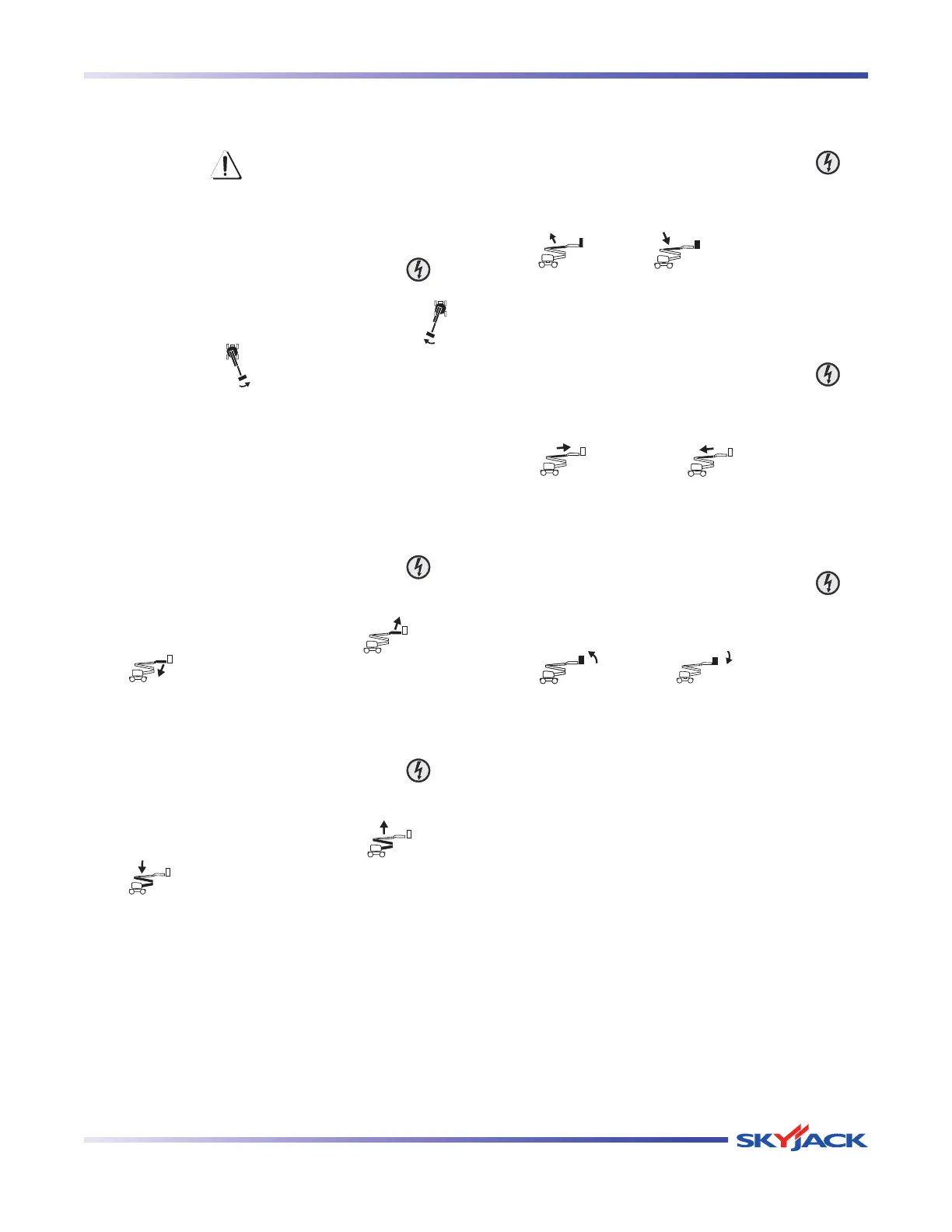
2.10-3 To Rotate Turret Using Base Control
Console
WARNING
When rotating the turret, ensure that there
are no personnel or obstructions in the
path of rotation, including blind spots.
1. Activate and hold function enable switch “
” by
pushing it to the right.
2. Push turret rotation switch to either “
”
clockwise or “
” counterclockwise position.
Release switch to stop.
NOTE
Turret can be rotated continuously
360 degrees.
2.10-4 To Move Jib (If Equipped) Up and
Down Using Base Control Console
1. Activate and hold function enable switch “
” by
pushing it to the right.
2. Push jib up/down switch to either “
” up or
“
” down position. Release switch to stop.
2.10-5 To Move Riser Up and Down Using Base
Control Console
1. Activate and hold function enable switch “
” by
pushing it to the right.
2. Push riser up/down switch to either “
” up or
“
” down position. Release switch to stop.
2.10-6 To Raise or Lower Main Boom Using
Base Control Console
1. Activate and hold function enable switch “
” by
pushing it to the right.
2. Push main boom raise/lower switch to either
“
” raise or “ ” lower position. Release
switch to stop.
2.10-7 To Extend or Retract Fly Boom Using
Base Control Console
1. Activate and hold function enable switch “
” by
pushing it to the right.
2. Push fly boom extend/retract switch to either
“
” extend or “ ” retract position.
Release switch to stop.
2.10-8 To Level Platform Manually Using Base
Control Console
1. Activate and hold function enable switch “
” by
pushing it to the right.
2. Push platform leveling override switch to either
“
” up or “ ” down position.
Release switch to stop.



 To Next Page