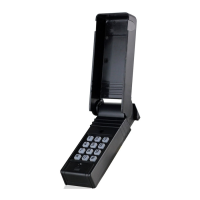
 Need help?
Do you have a question about the SkyLink SKYLINKHOME TC-318-10 and is the answer not in the manual?
 General
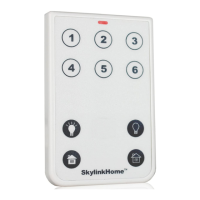
| Type | Remote Control |
|---|---|
| Compatibility | SkyLinkHome receivers |
| Power Source | Battery |
| Brand | SkyLink |
| Model | TC-318-10 |
| Category | Remote Control |
| Frequency | 318 MHz |
| Range | Up to 500 feet in open area |
| Number of Buttons | 10 |
| Battery Type | CR2032 |
Enables the password feature on the remote for enhanced security.
Disables the password feature, allowing operation without a code.
Instructions for modifying the existing password for security.
Guides on mapping remote buttons to specific lights and zones for control.
Details on ON/OFF toggle, designated ON/OFF, dimming, and brighten operations.
Instructions for controlling multiple lights or loads within a specific zone.
Enables simultaneous control of all connected lights and appliances.
Procedure for erasing transmitters using a receiver's built-in erase button.
Method to erase transmitters using a programmed remote's 'Erase' code.

 To Next Page