EasyManua.ls Logo

SKYTRONIC 171.316 - User Manual

SKYTRONIC 171.316
8 pages
Print Icon
To Next Page IconTo Next Page
Loading...
1
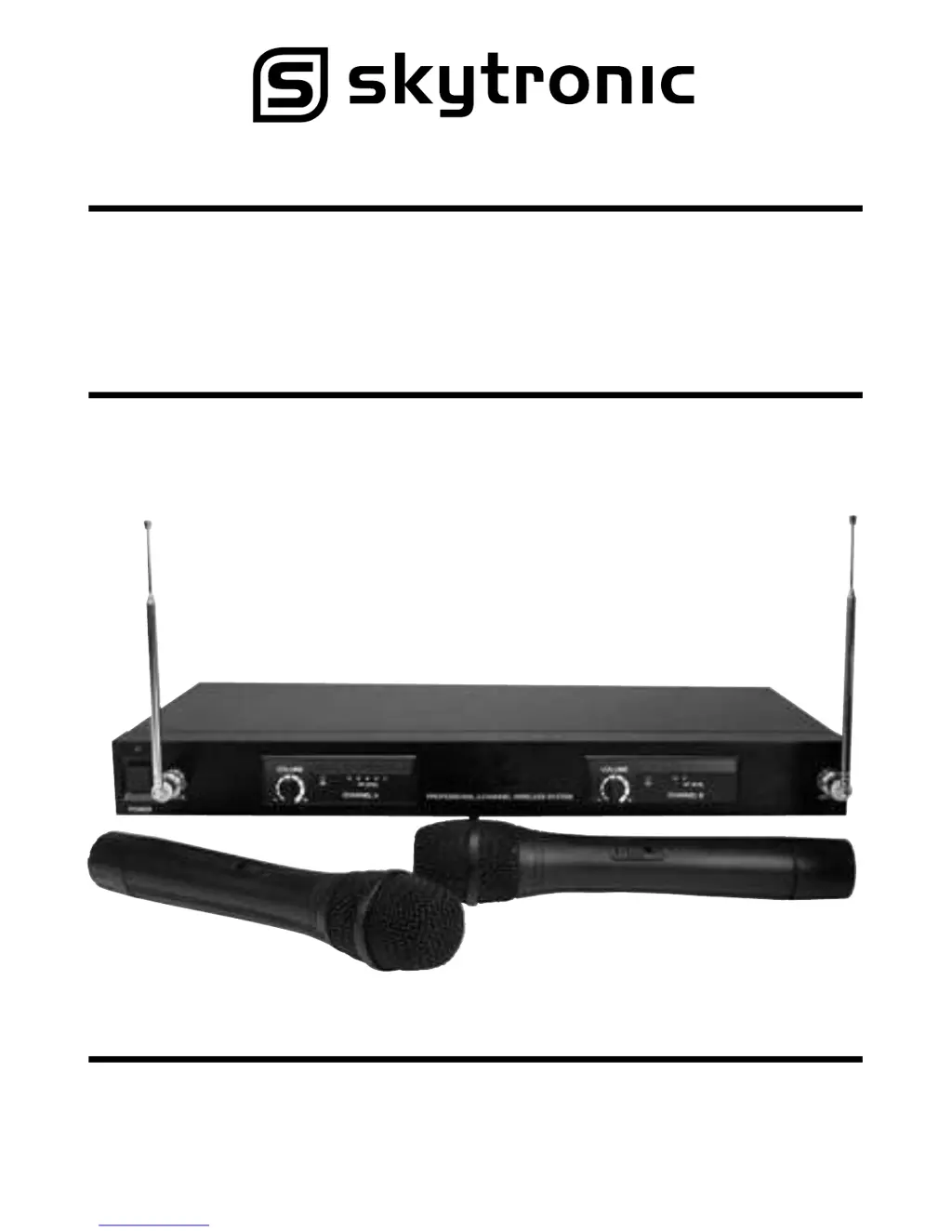
2-Channel VHF Wireless
Microphone System
Operation Manual
Model Nos: 171.316 173.8MHz + 174.8MHz (UK)
171.317 175.0MHz + 174.0MHz (UK)
171.319 197.32MHz + 199.82MHz (EUROPE)
171.320 198.25MHz + 199.70MHz (EUROPE)

Questions and Answers

  • N
    nicholas37Aug 1, 2025
    Why is there no sound from my SKYTRONIC 171.316?
    • H
      hjonesAug 1, 2025
      If you are experiencing no sound from your SKYTRONIC Microphone system, several factors could be the cause. First, check the battery in the wireless microphone and replace it if it's weak. Ensure that the microphone receiver and all connected audio equipment are turned on. Verify that the speakers or headphones are properly connected to the audio equipment. Addressing these points should help resolve the issue.
  • F
    Francisco AdamsAug 8, 2025
    What to do if I hear a howling noise from the speakers using SKYTRONIC 171.316?
    • N
      Nicholas ColeAug 8, 2025
      If you're hearing a howling noise from the speakers when using your SKYTRONIC Microphone system, it could be due to the wireless microphone being too close to the speakers. Try moving the wireless microphone further away from the speakers or changing the direction of the microphone. Also, check the battery in the wireless microphone and replace it if it is weak.
  • B
    Beth JacksonAug 16, 2025
    How to fix distorted sound on SKYTRONIC 171.316?
    • J
      Jennifer JohnsonAug 16, 2025
      If the sound from your SKYTRONIC Microphone system is distorted, the battery in the wireless microphone may be weak, so replace it. Also, check that the AUDIO OUT on the receiver is set correctly and adjust the volume controls.
  • C
    cyoungAug 23, 2025
    What to do if the on air indicator does not light up on SKYTRONIC 171.316?
    • D
      David VaughnAug 25, 2025
      If the on air indicator on your SKYTRONIC Microphone system does not light up, make sure the wireless microphone is turned on. Also, ensure that the microphone receiver is turned on and properly connected to the audio equipment.

Summary

Precautions

Specifications

Overall System Specifications

Technical details for the entire wireless system, covering oscillation mode, frequency range, stability, deviation, dynamic range, S/N ratio, THD, squelch, and frequency response.

Receiver Specifications

Detailed technical parameters for the receiver unit, including sensitivity, image rejection, stability, audio output, power supply, and dimensions.

Transmitter Specifications

Technical specifications for the wireless transmitter, covering mic capsule, antenna, RF output, spurious emissions, battery type, and dimensions.

Transmitter Operation

Battery Insertion and Power Indicator

Instructions for inserting the 9V battery into the transmitter and understanding the function of the power indicator lights.

Receiver Operation

Front Panel Controls and Indicators

Guide to operating the front panel controls of the receiver, including power, volume, and signal indicators.

Rear Panel Squelch Adjustment

Explanation and adjustment of the squelch control on the receiver's rear panel for filtering unwanted RF noise.

System Installation

Trouble Shooting

SKYTRONIC 171.316 Specifications

General IconGeneral
BrandSKYTRONIC
Model171.316
CategoryMicrophone system
LanguageEnglish

Related product manuals