EasyManua.ls Logo

SKYTRONIC 171.325 - User Manual

SKYTRONIC 171.325
16 pages
Print Icon
To Next Page IconTo Next Page
Loading...
1
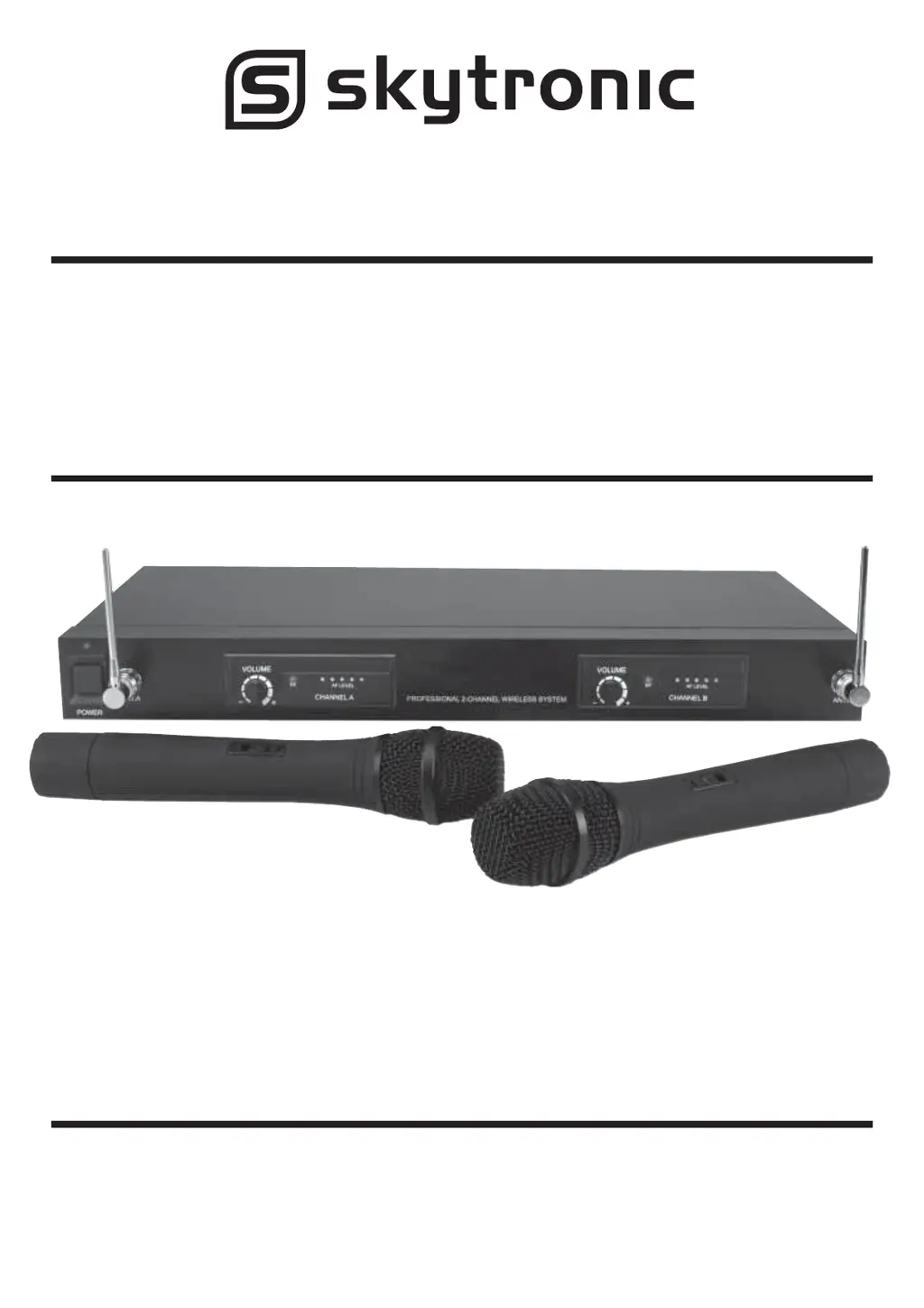
2-Channel UHF Wireless
Microphone System
Model Nos:
171.325 863.3 + 864.3MHz
171.326 863.8 + 864.8MHz

Questions and Answers

  • R
    Randy MoonAug 1, 2025
    Why is there no sound from my SKYTRONIC 171.325 Microphone system?
    • D
      dudleybarbaraAug 1, 2025
      If you are experiencing no sound from your SKYTRONIC Microphone system, several factors could be the cause. First, check the battery in the wireless microphone and replace it if it's weak. Ensure that the microphone receiver and all connected audio equipment are turned on. Verify that the speakers or headphones are properly connected to the audio equipment. Addressing these points should help resolve the issue.
  • W
    Wendy WilliamsAug 8, 2025
    What to do if I hear a howling noise from the speakers using SKYTRONIC 171.325?
    • B
      blackwilliamAug 8, 2025
      If you're hearing a howling noise from the speakers when using your SKYTRONIC Microphone system, it could be due to the wireless microphone being too close to the speakers. Try moving the wireless microphone further away from the speakers or changing the direction of the microphone. Also, check the battery in the wireless microphone and replace it if it is weak.
  • T
    tara86Aug 15, 2025
    How to fix distorted sound on SKYTRONIC Microphone system?
    • E
      elizabeth01Aug 15, 2025
      If the sound from your SKYTRONIC Microphone system is distorted, the battery in the wireless microphone may be weak, so replace it. Also, check that the AUDIO OUT on the receiver is set correctly and adjust the volume controls.
  • B
    Benjamin CarlsonAug 25, 2025
    What to do if the on air indicator does not light up on SKYTRONIC 171.325?
    • D
      davisphillipAug 25, 2025
      If the on air indicator on your SKYTRONIC Microphone system does not light up, make sure the wireless microphone is turned on. Also, ensure that the microphone receiver is turned on and properly connected to the audio equipment.

Summary

Precautions

Specifications

Overall System Specifications

Details the general operating parameters of the wireless system.

Receiver Specifications

Lists the technical specifications for the receiver unit.

Transmitter Specifications

Details the technical specifications for the handheld transmitter.

Transmitter Operation

Receiver Front Panel

Receiver Front Panel Operation

Explains how to operate the front panel controls of the receiver.

Receiver Rear Panel

Receiver Rear Panel Squelch Adjustment

Details how to adjust the squelch control on the rear panel.

System Installation

Troubleshooting

CE Declaration of Conformity

SKYTRONIC 171.325 Specifications

General IconGeneral
BrandSKYTRONIC
Model171.325
CategoryMicrophone system
LanguageEnglish

Related product manuals